
How AI Agents Work
A practical explanation of the execution loop behind AI agents, from task intake to tool calls, state, and final output.
This guide breaks down how AI agents work at an operational level so you can understand the model, tool, state, and orchestration loop behind them. It focuses on real execution flow rather than abstract theory.
Related Tools

Details
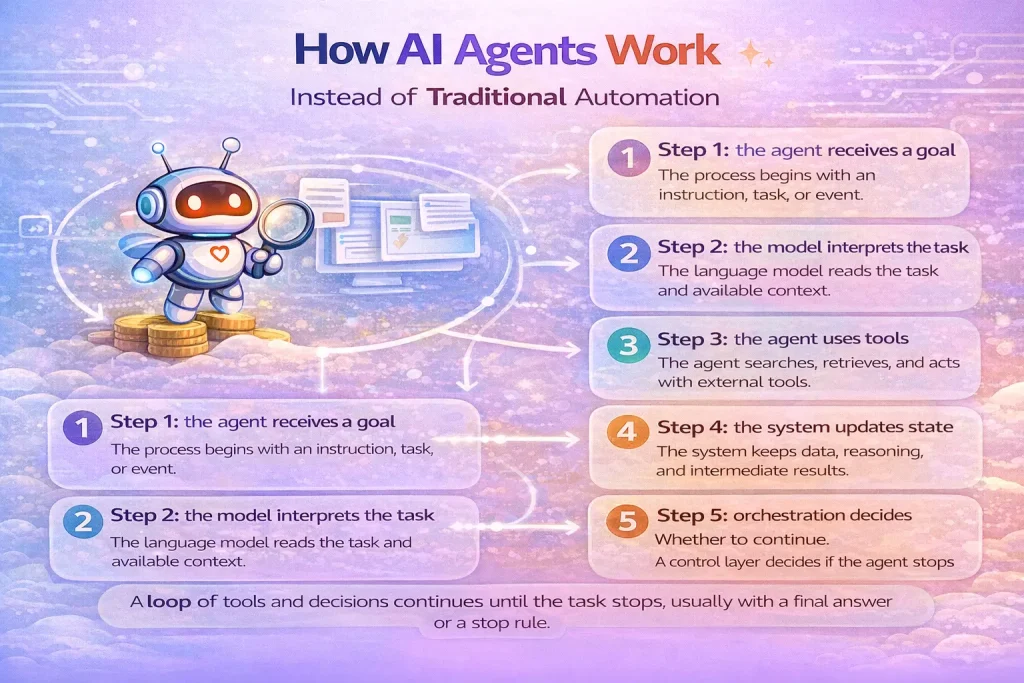
AI agents work by combining a model, tools, state, and orchestration into a loop that can continue until a task is complete. That is the simplest useful explanation. A user or system provides a goal, the model interprets it, chooses whether to use a tool, inspects the result, and then either takes another step or returns a final answer.
This loop is what separates agents from single-turn chat. A basic chat request produces one response. An agent run can involve multiple model turns, API calls, searches, approvals, and handoffs before the system stops. If you understand that execution loop, most of the agent ecosystem becomes easier to reason about.
Step 1: the agent receives a goal
The process starts with an instruction, task, or event. That might be a user asking for a research brief, a support ticket needing triage, or an incoming form submission that should be qualified. The goal matters because it frames what the agent is allowed to do and what counts as success.
Step 2: the model interprets the task
The language model reads the prompt, current context, and any prior state. At this point it decides whether it already has enough information to respond or whether it needs to call a tool. For example, it may decide to query a CRM, search a knowledge base, inspect a spreadsheet, or request human approval before continuing.
Step 3: the agent uses tools
Tools are what let an agent operate beyond text generation. They can retrieve data, create records, search documents, browse the web, send notifications, or trigger downstream workflows. A strong tool layer usually matters more than a clever prompt because poor tool definitions make the agent unreliable.
Good tools are narrow, well described, and easy for the model to distinguish. If several tools look similar or overlap heavily, the agent is more likely to choose the wrong one.
Step 4: the system updates state
After each step, the system preserves relevant state. That includes recent messages, tool outputs, intermediate decisions, and business constraints. Some systems also keep longer-term memory, but many production agents work well with only task-level state and recent context.
Step 5: orchestration decides whether to continue
Orchestration is the control layer around the model. It handles the run loop, exit conditions, timeouts, handoffs, and safety policies. The loop usually continues until one of four things happens: the model produces a final answer, the system reaches a stop rule, a human approval is required, or an error occurs.
Single-agent and multi-agent patterns
Many useful systems should start with a single agent plus strong tools. That is often enough for lead qualification, support drafting, internal search, or research assembly. Multi-agent systems become useful when prompts become too large, tools overlap too much, or separate specialist behaviors are genuinely needed.
In multi-agent designs, one manager agent may call specialist agents as tools, or agents may hand work off to each other. Both patterns add coordination overhead, so they should be earned by the problem, not adopted by default.
What usually goes wrong
Agent failures are often blamed on the model when the real problem sits elsewhere. Common issues include vague tool descriptions, weak instructions, poor context selection, missing guardrails, and no evaluation process. Another frequent issue is giving the agent too many actions too early, which makes tool choice noisy.
A practical workflow often improves when you tighten permissions, reduce overlapping tools, and insert human approval before irreversible actions such as sending emails or updating records.
How this maps to workflow automation
In workflow automation, the value of an agent usually sits in one specific part of the process: classification, triage, drafting, research, or dynamic tool selection. The rest of the system may still look like a normal workflow. For example, a lead enrichment flow may use an agent to decide which sources to search and how to summarize findings, then hand the results back to a normal CRM update workflow.
That is why many strong systems combine agents with workflow tools rather than replacing workflows entirely.
FAQ
Do AI agents always need tool use?
For most practical definitions, yes. Tool use is what allows an agent to gather context or act on the world instead of only producing text.
Is memory required for an agent?
Task-level state is required. Long-term memory is optional and should only be added when it improves the workflow.
Why do agents use loops?
Because many tasks cannot be solved in one step. The loop lets the model gather information, revise its understanding, and continue until it reaches an output or a stop rule.
When does a template help?
A template helps when the tool plumbing, triggers, and outputs are known ahead of time. You still need to customize prompts, permissions, and tool choices if the agent must handle domain-specific decisions.
Conclusion
AI agents work by operating inside a controlled loop: understand the task, choose a tool if needed, inspect the result, and keep going until the run is finished. Once you see that pattern clearly, it becomes easier to decide where an agent belongs in your workflow and where a normal automation step is enough.
Related Guides

What Is an AI Agent
This guide explains what an AI agent actually is, how it differs from simpler chat or automation setups, and when teams should care about...
Read Guide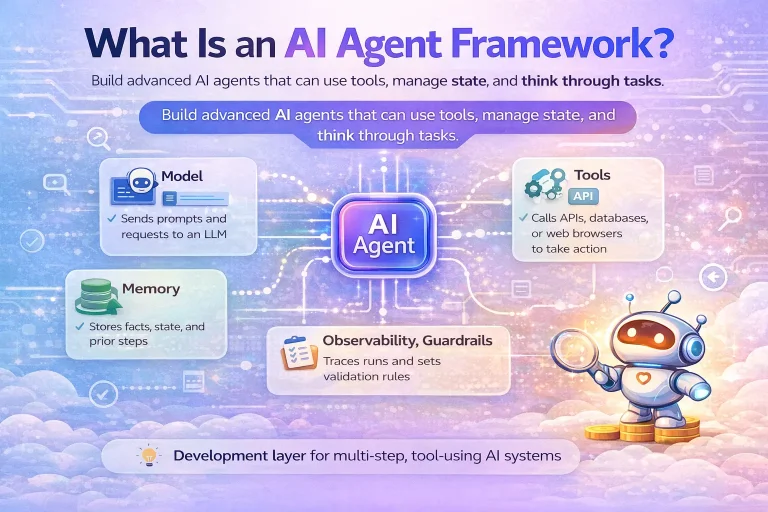
What Is an AI Agent Framework
This guide explains what an AI agent framework is, what it actually does in practice, and when a team needs one instead of a...
Read Guide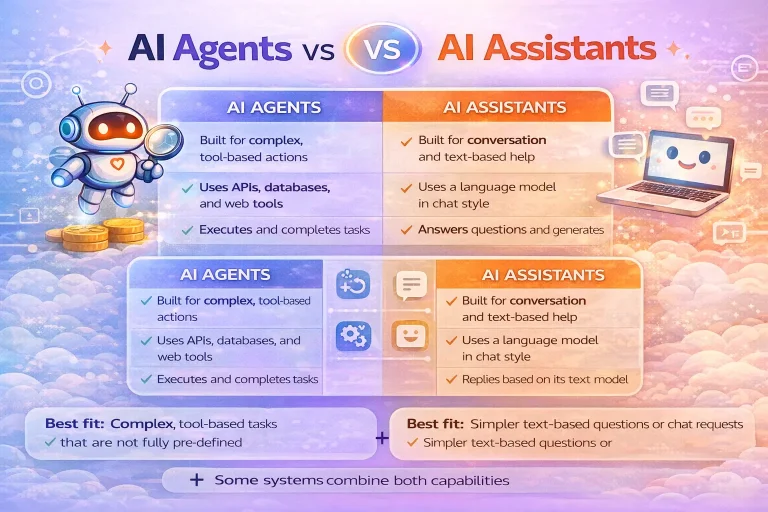
AI Agents vs Assistants
This guide compares AI agents and assistants in plain terms so you can decide which model fits your product or workflow. It focuses on...
Read Guide
How to Build Agentic Workflows with Responses API
This tutorial explains how to build agentic workflows with the Responses API, including tool design, state decisions, approvals, and validation. It is aimed at...
Read Guide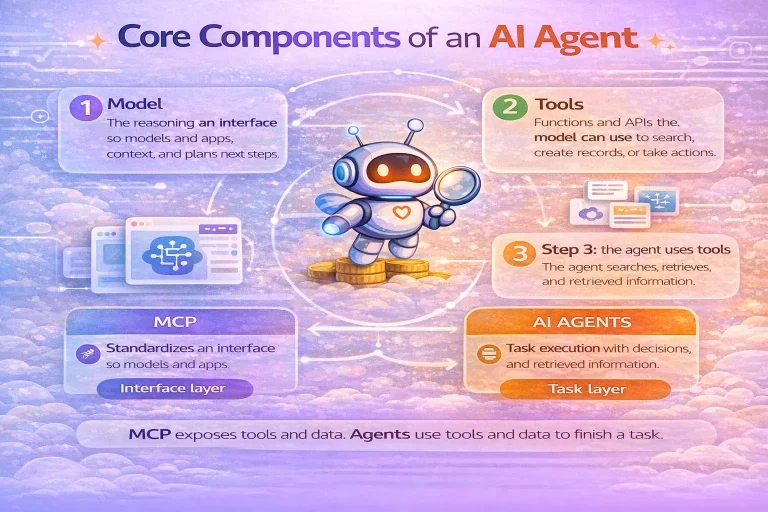
Core Components of an AI Agent
This guide explains the core components of an AI agent and why each one matters in real implementations. It focuses on architecture choices that...
Read Guide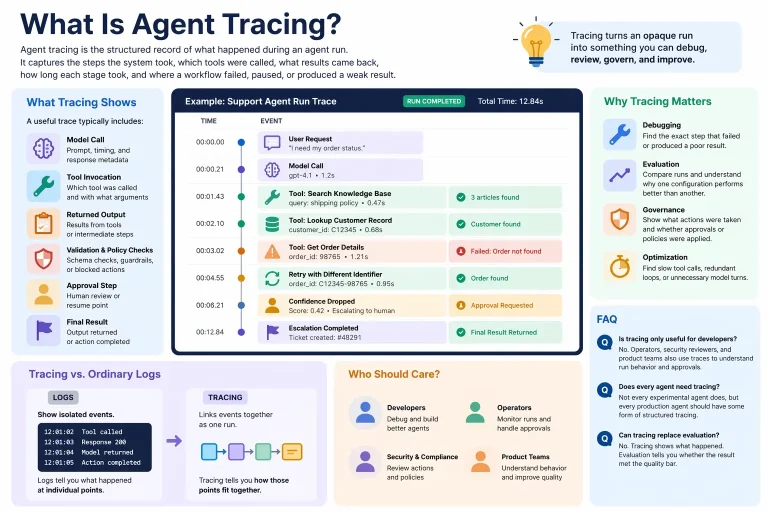
What Is Agent Tracing
This guide explains what agent tracing means in practical workflow systems and why it matters for debugging, evaluation, and governance. It focuses on observable...
Read Guide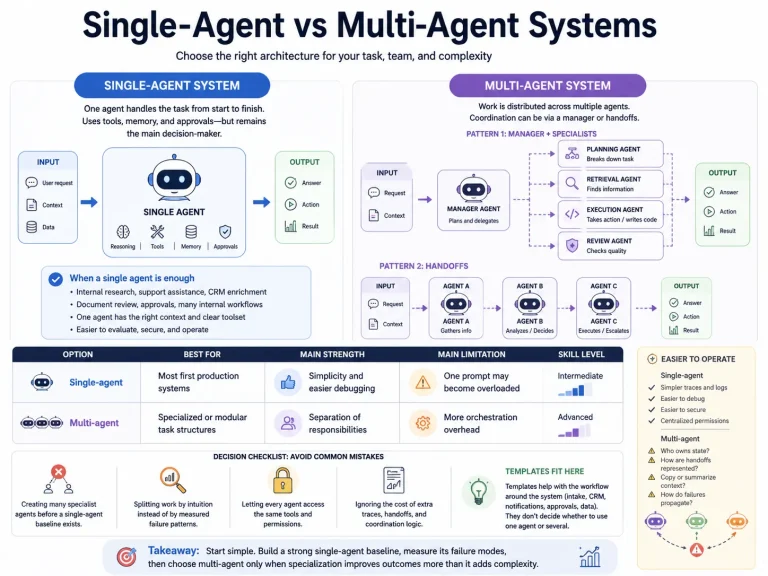
Single-Agent vs Multi-Agent Systems
This guide compares single-agent and multi-agent designs for practical workflow systems. It focuses on when extra orchestration improves outcomes and when it only adds...
Read Guide