
Core Components of an AI Agent
A practical breakdown of the building blocks that make an AI agent useful, controllable, and reliable in production.
This guide explains the core components of an AI agent and why each one matters in real implementations. It focuses on architecture choices that affect reliability, safety, and workflow fit.
Related Tools

Details
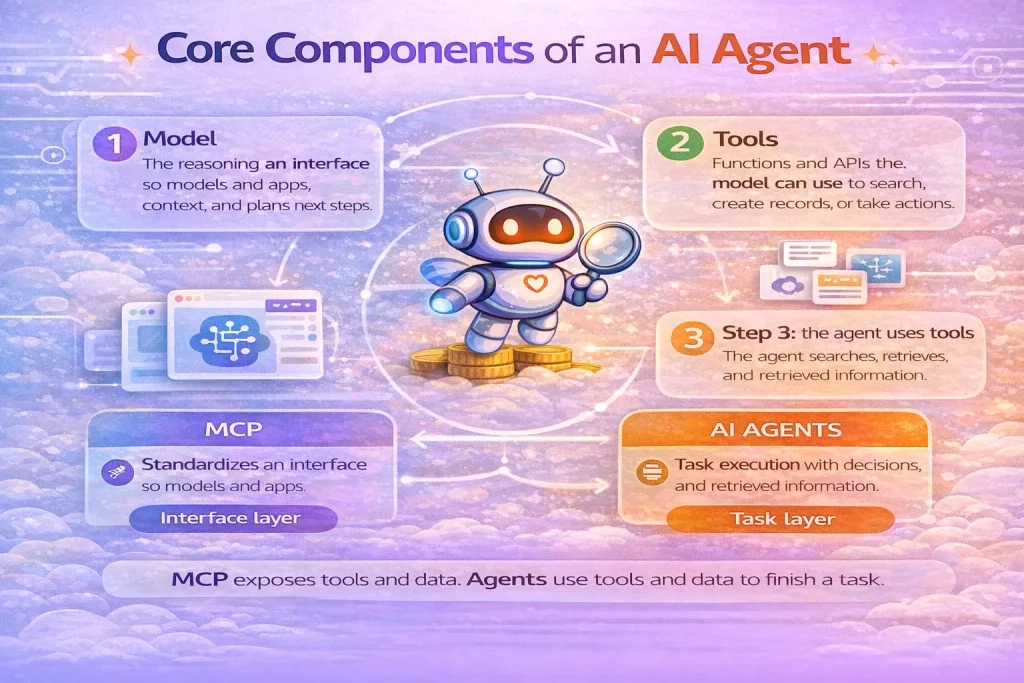
The core components of an AI agent are the model, tools, state or memory, orchestration, and guardrails. If one of those pieces is weak, the whole system becomes unreliable. That is the most practical way to understand agent architecture. An agent is not just a prompt with a few integrations attached. It is a coordinated system that needs each part to play a clear role.
This matters because many teams spend too much time on prompts and too little time on tool design, state handling, or safety boundaries. In production, those surrounding components often determine whether an agent is useful or fragile.
The model
The model is the decision engine. It interprets the task, reasons over context, chooses tools, and produces outputs. Model quality affects how well the agent follows instructions, handles ambiguity, and recovers from noisy tool responses.
Choosing the strongest model is not always the end state, but it is often the best starting point for a prototype. Once you know the workflow works, you can optimize for cost and latency.
The tools
Tools extend the agent beyond text generation. They can search a CRM, retrieve files, read a spreadsheet, create a ticket, send a notification, browse the web, or invoke another workflow. In most business systems, tools create the real value because they connect the agent to operations.
Well-designed tools are specific, clearly named, and narrowly scoped. Poorly designed tools are broad, overlapping, or underspecified, which makes selection unreliable.
State and memory
State is the working context the agent needs during a run: the user request, recent conversation, tool outputs, current constraints, and intermediate decisions. Memory is the longer-term layer that may persist preferences, prior cases, or reference material across runs.
Not every agent needs long-term memory. Many production workflows work well with only task-level state. Adding memory too early can make debugging harder and create data-governance problems.
Orchestration
Orchestration is the control logic around the model. It defines how the run starts, when tool calls happen, when the system keeps looping, when it stops, and how handoffs or approvals occur. Without orchestration, you do not really have an agentic system. You have isolated model calls.
This layer is also where many practical decisions live: retry behavior, timeouts, structured outputs, approval checkpoints, and multi-agent routing.
Guardrails and permissions
Guardrails keep the agent inside intended boundaries. They can validate input, restrict tool use, enforce policies, require approvals, or inspect outputs before an action is finalized. Permissions are part of this same control surface because tool access should match the actual task.
In enterprise workflows, guardrails are not optional polish. They are part of the core architecture, especially when the agent can update records, contact customers, or access sensitive internal systems.
Observability and evaluation
Strictly speaking, observability is not always listed as a component in short definitions, but in production it behaves like one. You need traces, logs, test cases, and evaluation criteria to understand whether the agent is choosing tools correctly and producing acceptable outputs.
Without observability, teams often misdiagnose agent problems because they cannot see whether the failure came from model reasoning, bad context, a weak tool, or a missing guardrail.
How the components fit together
| Component | Role | Typical failure mode |
|---|---|---|
| Model | Interprets goals and chooses actions | Weak reasoning or inconsistent instruction following |
| Tools | Connect the agent to systems and actions | Wrong tool selection or ambiguous tool definitions |
| State or memory | Preserves context across steps | Missing context or stale information |
| Orchestration | Controls loops, handoffs, and stop conditions | Runs that drift, loop too long, or stop too early |
| Guardrails | Keep behavior safe and within policy | Unsafe actions or policy violations |
Who should care about these components
These components matter to anyone building agentic workflows, not only framework authors. If you are using n8n, Make, an SDK, or a hosted builder, the same architecture questions still exist. The product may hide some complexity, but it cannot remove the need for good tools, clear permissions, and a sensible loop.
Common mistakes
- Over-focusing on the prompt while under-defining the tools
- Adding long-term memory before the workflow actually needs it
- Treating approvals as a UI feature instead of a core control point
- Using multi-agent routing before a single-agent design is stable
- Skipping evaluation and then guessing why the system failed
FAQ
Which component matters most?
There is no single answer, but poor tool design causes a surprising number of failures in otherwise capable systems.
Do all agents need memory?
No. Many only need task-level state during a run. Persistent memory should be added only when it clearly improves the workflow.
Can workflows stand in for orchestration?
Yes, in many cases. A workflow engine often provides the operational backbone while the agent handles decisions inside certain steps.
Conclusion
The core components of an AI agent are not abstract theory. They are the practical pieces that determine whether an agent can reason, act, stay within scope, and finish work reliably. If you understand these components, you will make better decisions about when to use agents and how to keep them useful in production.
Related Guides

What Is an AI Agent
This guide explains what an AI agent actually is, how it differs from simpler chat or automation setups, and when teams should care about...
Read Guide
How AI Agents Work
This guide breaks down how AI agents work at an operational level so you can understand the model, tool, state, and orchestration loop behind...
Read Guide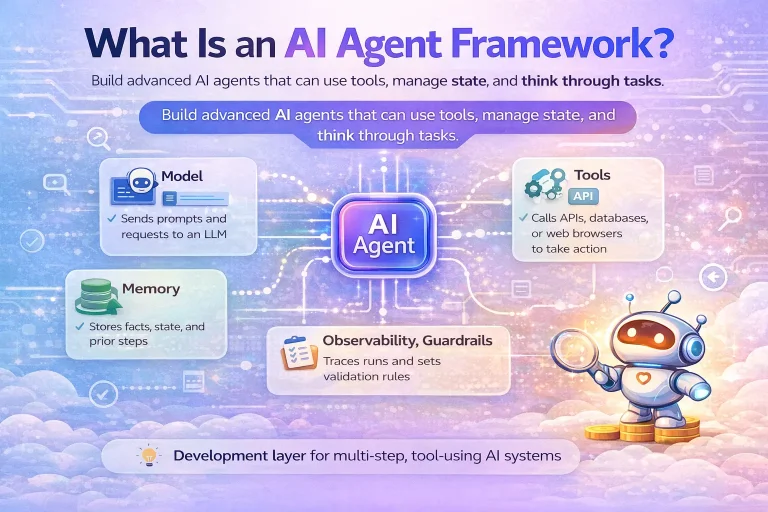
What Is an AI Agent Framework
This guide explains what an AI agent framework is, what it actually does in practice, and when a team needs one instead of a...
Read Guide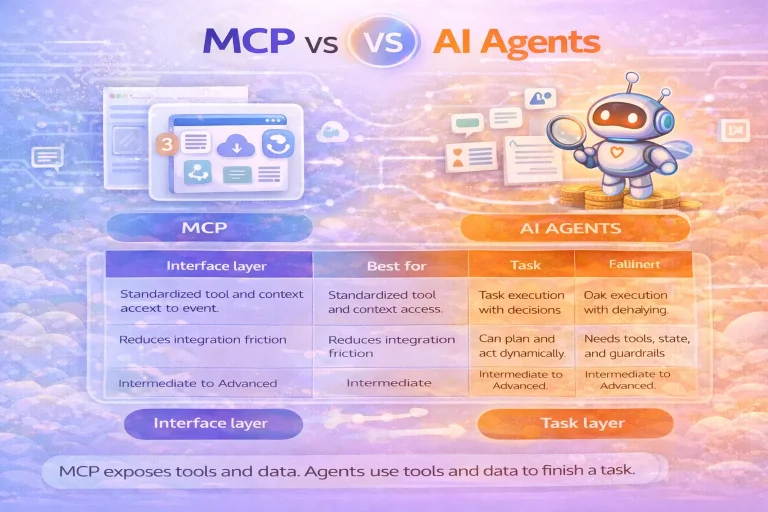
MCP vs AI Agents
This guide explains the difference between MCP and AI agents, where they overlap, and when you need one, the other, or both together.
Read Guide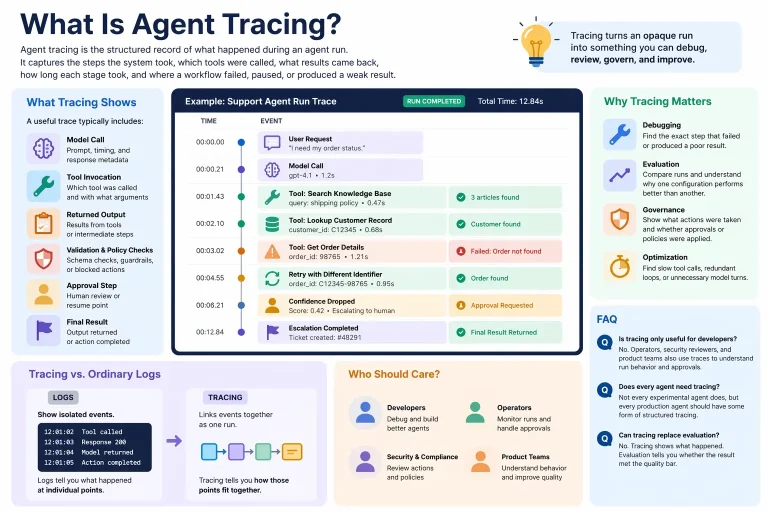
What Is Agent Tracing
This guide explains what agent tracing means in practical workflow systems and why it matters for debugging, evaluation, and governance. It focuses on observable...
Read Guide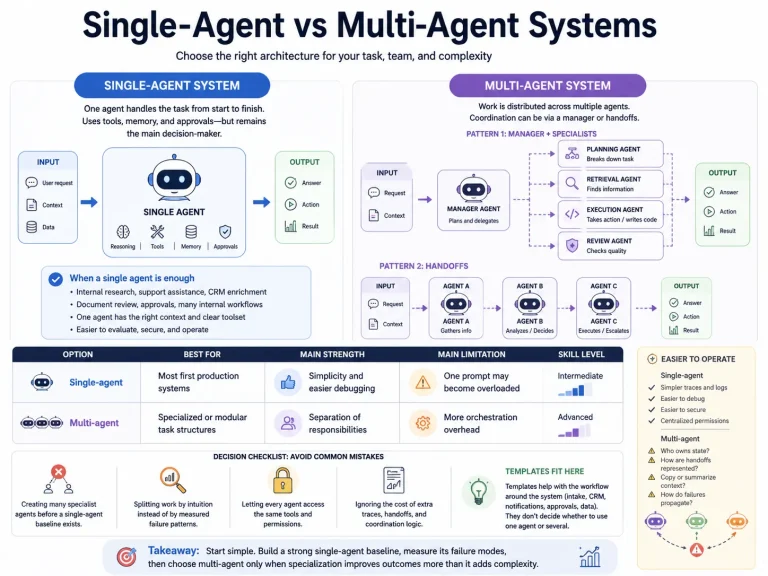
Single-Agent vs Multi-Agent Systems
This guide compares single-agent and multi-agent designs for practical workflow systems. It focuses on when extra orchestration improves outcomes and when it only adds...
Read Guide