
AI Agents vs Tool-Calling Systems
Tool calling lets a model use tools inside a controlled flow, while an agent decides how to use tools over multiple steps.
This comparison explains the operational difference between AI agents and tool-calling systems. It is aimed at readers deciding whether they need autonomous orchestration or a simpler, more controllable architecture.
Related Tools


Details
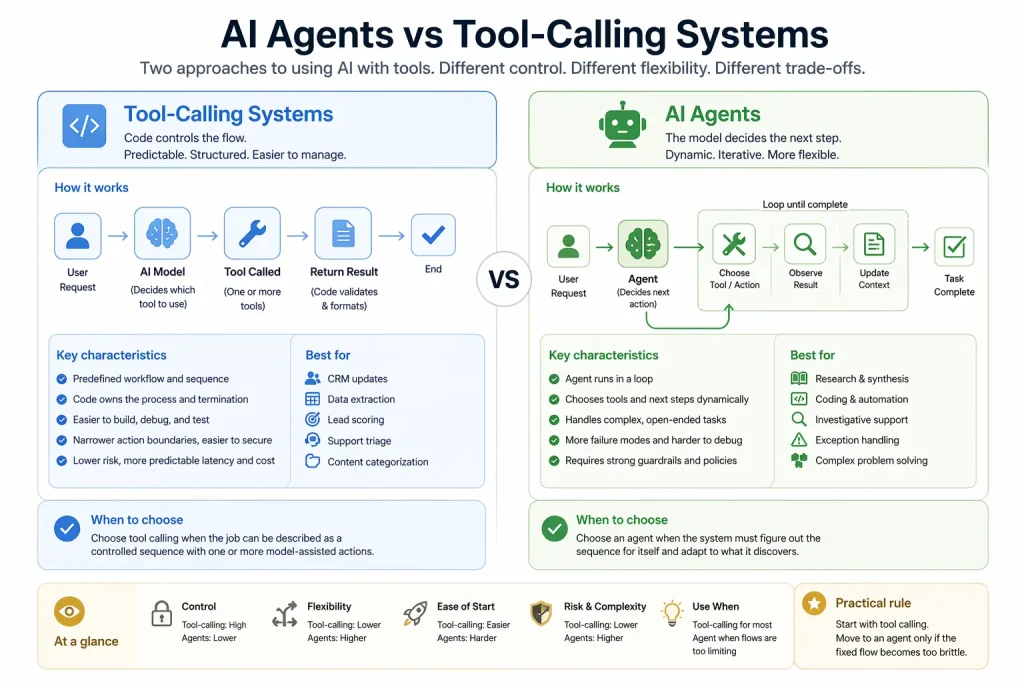
AI agents and tool-calling systems are not the same thing. A tool-calling system uses a model to invoke one or more tools inside a controlled flow. An agent goes further: it decides what to do next over multiple steps, often using tools in a loop until the task is complete or a stopping condition is reached.
If you want maximum control, faster debugging, and predictable behavior, a tool-calling system is usually the better starting point. If you need dynamic planning, iterative tool use, or open-ended problem solving, an agent is the better fit.
What each approach is
A tool-calling system typically wraps a model inside a predefined pipeline. The model may choose from a short list of tools, but the surrounding code controls the flow, validation, and termination. This is common in CRM enrichment, document summarization, support triage, and structured extraction workflows.
An agent runs in a loop. It reads the current context, chooses a tool or action, evaluates the result, and continues until it believes the task is done or the system forces a stop. This is more suitable for research, coding, complex support, and other tasks where the exact path cannot be written in advance.
Quick comparison table
| Option | Best for | Main strength | Main limitation | Skill level |
|---|---|---|---|---|
| Tool-calling system | Structured workflows with known paths | Control and predictability | Less flexible for open-ended tasks | Beginner to Intermediate |
| AI agent | Multi-step tasks with changing paths | Dynamic decision-making | Higher complexity and more failure modes | Intermediate to Advanced |
Main difference
The main difference is who controls the sequence of actions. In a tool-calling system, your code still owns the process. In an agent system, the model owns more of the process and your code mainly defines tools, guardrails, and limits.
That difference changes everything downstream: observability, safety, latency, evaluation, and maintenance.
Which one is easier to start with
Tool-calling systems are easier to start with. You can define a narrow task, expose one or two tools, and validate outputs before sending results to a CRM, spreadsheet, or ticket queue. Many production workflows never need more than that.
Agents are harder to start with because they require better tool design, stronger context handling, and explicit policies for stopping, retrying, and escalating. If those pieces are weak, the system may appear capable while remaining unreliable.
Which one is more flexible
Agents are more flexible. They can decide whether to search, ask follow-up questions, call another tool, or hand off to another agent. That flexibility is useful in open-ended tasks, but it is not free. You pay for it in longer runs, more logs to inspect, and more care around permissions.
Tool-calling systems trade flexibility for clarity. In many internal operations workflows, that is exactly the right trade.
Which one is better for real workflows
Choose a tool-calling system for lead scoring, structured extraction, CRM updates, support triage, approval summaries, or content categorization. These tasks usually have fixed outputs and benefit from explicit routing.
Choose an agent for research synthesis, investigative support, coding tasks, exception handling, or workflows where the next step depends on what the system discovers.
Control, guardrails, and maintenance
Tool-calling systems are easier to secure because action boundaries are narrower. You can validate arguments, whitelist actions, and keep sensitive steps outside the model loop. Templates are often useful here because most of the work is authentication, field mapping, and output handling.
Agents need stronger guardrails because they can chain actions together. That means rate limits, role-based tool access, approval checkpoints, and detailed traces. A generic template can still help with the surrounding workflow, but the agent policy usually needs custom design.
Decision rule
- Choose tool calling if the job can be described as a controlled sequence with one or more model-assisted actions.
- Choose an agent if the system must figure out the sequence for itself.
- Start with tool calling when in doubt. Move to an agent only if the fixed flow becomes too brittle.
FAQ
Can a tool-calling system become an agent later?
Yes. Many teams start with controlled tool use and add looping behavior only after they understand the task better.
Do agents always use tools?
In practice, useful agents usually do. Tool access is what lets them gather state, take action, and verify progress.
Is tool calling enough for most business automations?
Often yes. Many business workflows are structured enough that full agent autonomy is unnecessary.
Conclusion
The practical question is not which architecture sounds more advanced. It is whether your task needs dynamic orchestration. If it does not, a tool-calling system will usually be easier to build, safer to operate, and simpler to maintain.
Related Guides
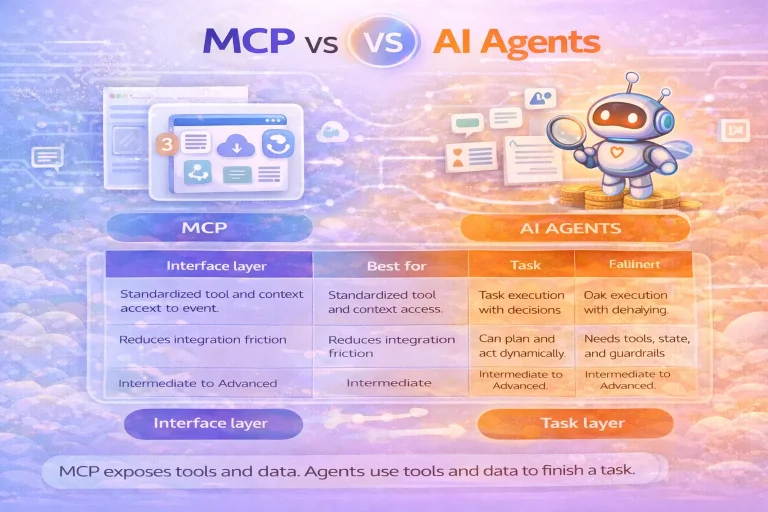
MCP vs AI Agents
This guide explains the difference between MCP and AI agents, where they overlap, and when you need one, the other, or both together.
Read Guide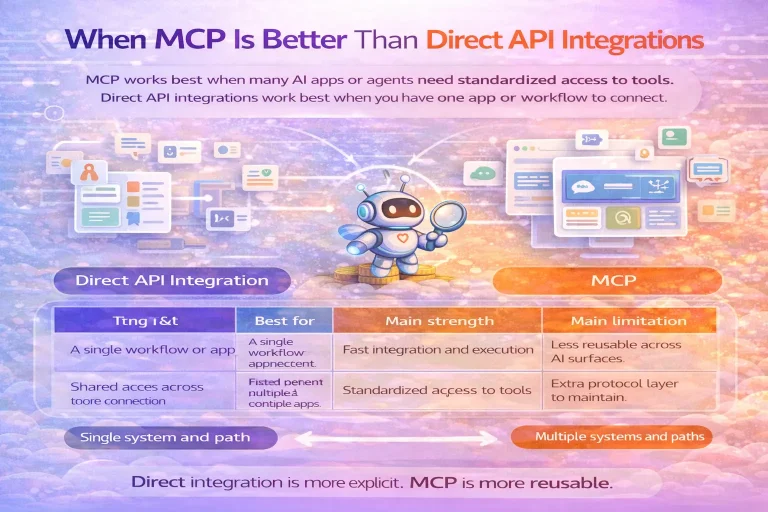
When MCP Is Better Than Direct API Integrations
This guide compares MCP with direct API integrations and explains when the protocol layer creates real leverage and when it only adds extra complexity.
Read Guide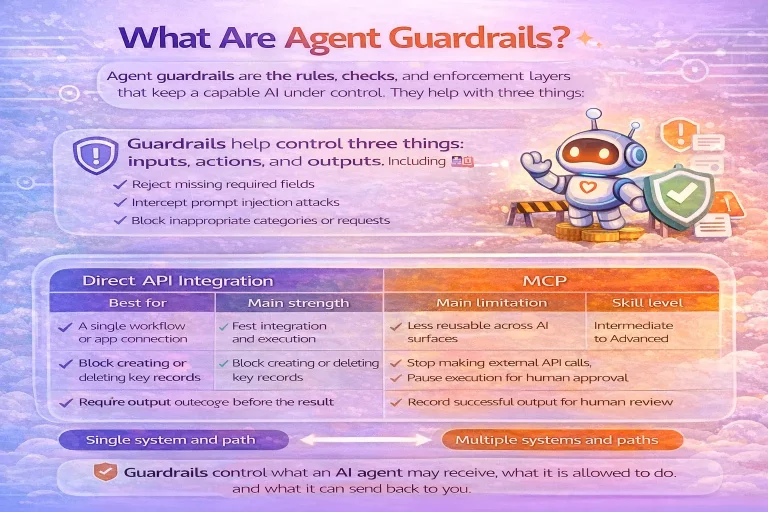
What Are Agent Guardrails
This guide explains what agent guardrails are, how they work in practice, and why they matter once an agent can call tools or take...
Read Guide
How to Build Agentic Workflows with Responses API
This tutorial explains how to build agentic workflows with the Responses API, including tool design, state decisions, approvals, and validation. It is aimed at...
Read Guide