
When You Need an Agent Instead of Traditional Automation
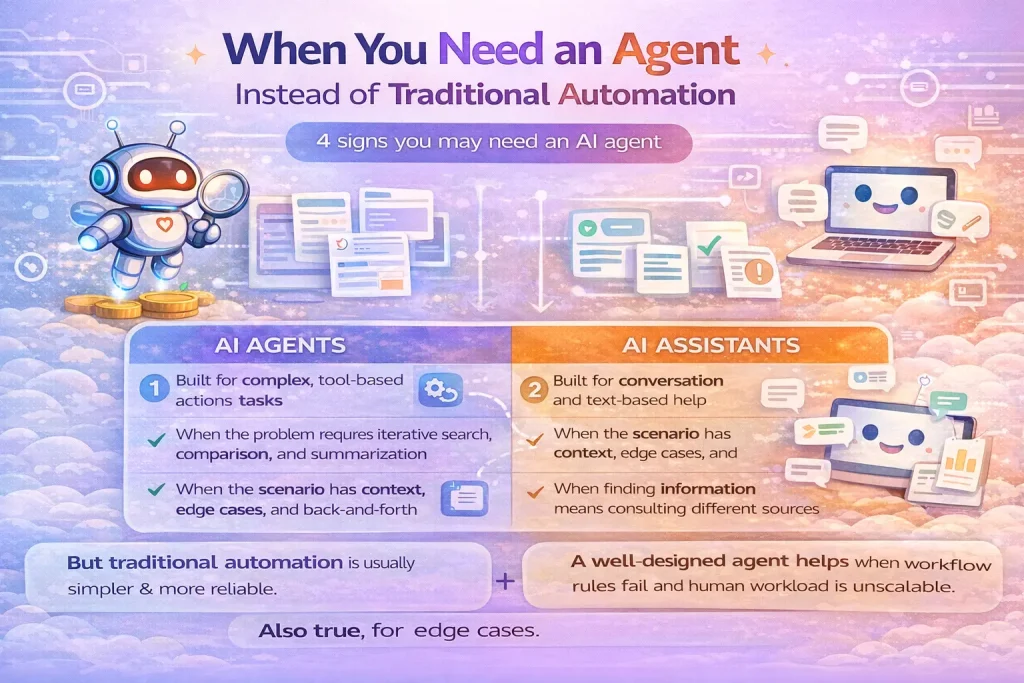
Use an AI agent when the path to the result is not fixed, not just when the task sounds advanced.
This guide explains when an AI agent is the right architectural choice and when a simpler workflow, routing system, or scripted automation will be more reliable. It focuses on practical decision-making rather than agent hype.
Related Tools



Details
You need an AI agent instead of traditional automation when the task cannot be reduced to a fixed sequence of steps and the system must decide what to do next based on changing context. If the path is known in advance—create a CRM record, enrich a lead, send a Slack alert, update a spreadsheet—traditional automation is usually the better default.
That distinction matters because agents are not simply “more advanced automation.” They are systems that choose actions dynamically, often by deciding which tools to call, what order to use them in, and when to stop or ask for help. That flexibility is useful, but it also adds cost, latency, and failure modes that do not exist in a predictable workflow.
What traditional automation does well
Traditional automation works best when inputs, decision rules, and outputs are all reasonably stable. A Make, Zapier, or n8n workflow can listen for a trigger, run a known series of steps, and produce a known result. That is ideal for form submissions, CRM updates, invoice processing, approval routing, spreadsheet syncing, and notification flows.
In those cases, the main value comes from reliability. You want the same trigger to produce the same downstream actions every time. A prebuilt template is often enough to get started because the business logic is already close to the shape of the real task.
What makes an agent different
An agent is useful when the system must inspect the situation and decide how to proceed. That might mean choosing among several tools, gathering missing information, recovering from a failed step, or decomposing an open-ended goal into smaller subtasks.
- A support agent may decide whether to search a knowledge base, inspect an order, ask a follow-up question, or escalate to a human.
- A research agent may search several sources, compare them, decide which ones are relevant, and synthesize a report.
- A coding agent may inspect a repository, run tests, change multiple files, and iterate until the task is complete.
In each case, the number of steps is not known ahead of time. That is where agent architecture begins to make sense.
Use an agent when these conditions are true
- The task is open-ended and cannot be described as one fixed workflow.
- The system must choose among tools dynamically instead of following one preset branch.
- Inputs vary enough that hardcoded routing becomes brittle.
- You can define success well enough to evaluate the outcome, even if the path varies.
- You are prepared to add guardrails, checkpoints, logs, and testing.
Do not use an agent when a workflow is enough
You probably do not need an agent if the process can be represented as a trigger plus a predictable set of actions. This includes many common operations workflows: add a row, create a contact, post a message, route a ticket, or summarize one known document.
You also should not reach for an agent just because an LLM is involved. Many AI workflows are still better as scripted pipelines: classify the request, run one prompt, validate the result, and send it to the next system. That is not a limitation. It is often the most maintainable choice.
Quick decision table
| Situation | Better fit | Why |
|---|---|---|
| Fixed lead routing with clear rules | Traditional automation | Known path, low ambiguity, high repeatability |
| Customer support with varied questions and tool choices | Agent | Needs flexible decision-making and tool selection |
| Content enrichment with one prompt and one destination | Traditional automation | Prompt + validation is enough |
| Research task with changing sources and multiple iterations | Agent | Path depends on what the system finds |
| Approval flow with firm policy rules | Traditional automation | Rules are explicit and should remain explicit |
What you give up when you choose an agent
The tradeoff is not subtle. Agent systems usually cost more, take longer to run, and are harder to debug. They can also compound errors over several turns. A bad tool description, weak context, or vague stopping condition can create behavior that looks impressive in demos but fails in production.
That is why a strong agent design usually still includes workflow-style components around it: input validation, permission checks, approval checkpoints, and explicit fallbacks. The agent handles the flexible part; the surrounding system keeps the operation safe.
When a template helps and when it does not
A template can reduce setup time when you already know the surrounding systems: the CRM, spreadsheet, ticketing tool, or chat app. It can give you the trigger shape, authentication setup, and output mapping. What a template usually cannot solve on its own is the reasoning policy: when the agent should search, when it should ask for more information, and when it should stop.
If most of the value comes from orchestration around a known process, start with a template. If most of the value comes from dynamic decisions inside the loop, expect additional customization.
Common decision mistakes
- Using an agent for a workflow that only needs classification plus branching.
- Assuming open-ended autonomy is better than explicit routing.
- Giving an agent too many tools before tool boundaries are clear.
- Skipping evaluation because the system “looks smart” in a few test runs.
- Hiding policy decisions inside prompts instead of keeping them explicit in code.
FAQ
Is an agent always better than a workflow?
No. A workflow is usually better when the path is known and repeatable.
Can a workflow still use AI without becoming an agent?
Yes. Many useful AI automations use one or more model calls inside a fixed pipeline.
What is the simplest starting point?
Start with a normal workflow, add one model step, and only move to an agent if dynamic tool choice or multi-step reasoning is clearly needed.
Conclusion
Use an agent when the system must decide its own path through a task. Use traditional automation when the path is already known. In production, the best architecture is often a combination: workflow control around the edges, agent flexibility in the middle, and human approval where the cost of a wrong action is high.
Related Guides

AI Agents vs Workflows
This guide compares AI agents and workflows from an implementation perspective rather than a hype perspective. It focuses on control, flexibility, setup burden, and...
Read Guide
What Is AI Automation? A Practical Definition for Workflow Teams
This guide explains what AI automation actually means for workflow teams, not just in theory but in day-to-day operations. It covers how AI automation...
Read Guide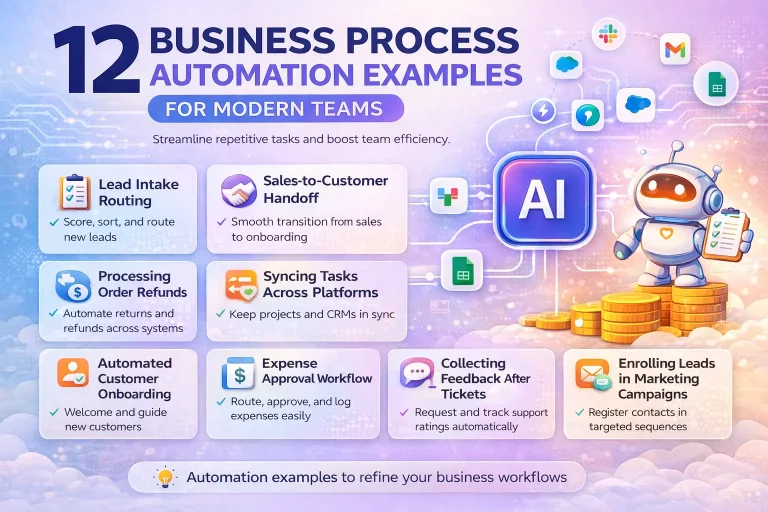
12 Business Process Automation Examples for Modern Teams
This guide breaks down business process automation examples that operations, finance, support, and go-to-market teams can actually use. It focuses on repeatable business processes,...
Read Guide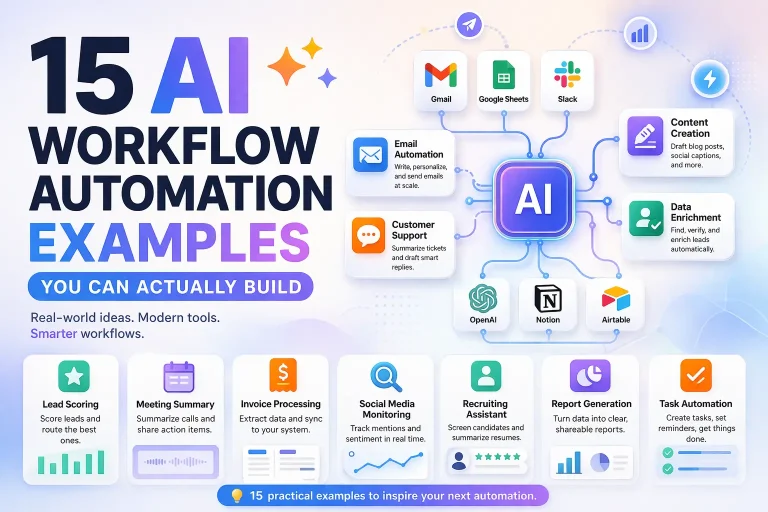
15 AI Workflow Automation Examples You Can Actually Build
This guide covers concrete AI workflow automation examples that teams can actually implement with tools like n8n, Make, Relay.app, Gumloop, or Pipedream. The goal...
Read Guide
Best AI Agent Use Cases for Operations Teams
This guide covers the most practical AI agent use cases for operations teams, how to evaluate them, and where workflow builders still beat full...
Read Guide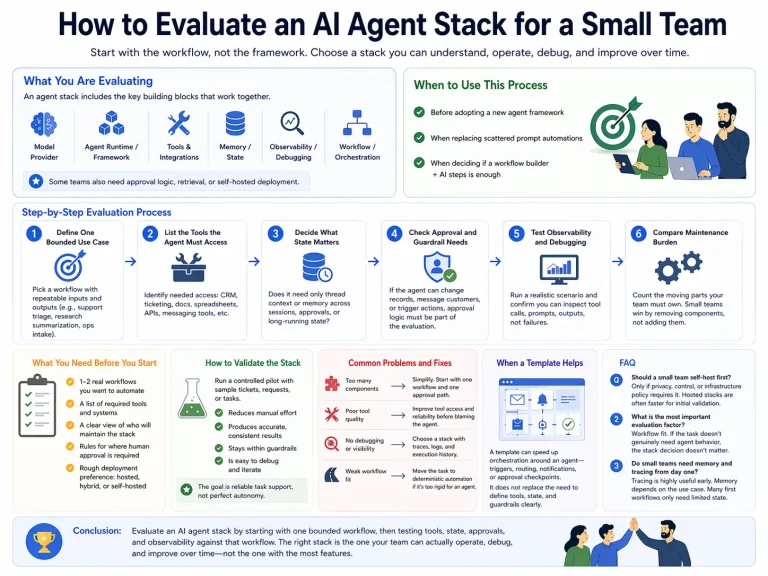
How to Evaluate an AI Agent Stack for a Small Team
This guide shows how a small team can evaluate an AI agent stack without overbuying complexity or choosing tools it cannot realistically operate.
Read Guide