
AI Agents vs Workflows
A clear comparison of when to use an AI agent and when a structured workflow is the better design choice.
This guide compares AI agents and workflows from an implementation perspective rather than a hype perspective. It focuses on control, flexibility, setup burden, and where each approach fits real business automation.
Related Tools

Details
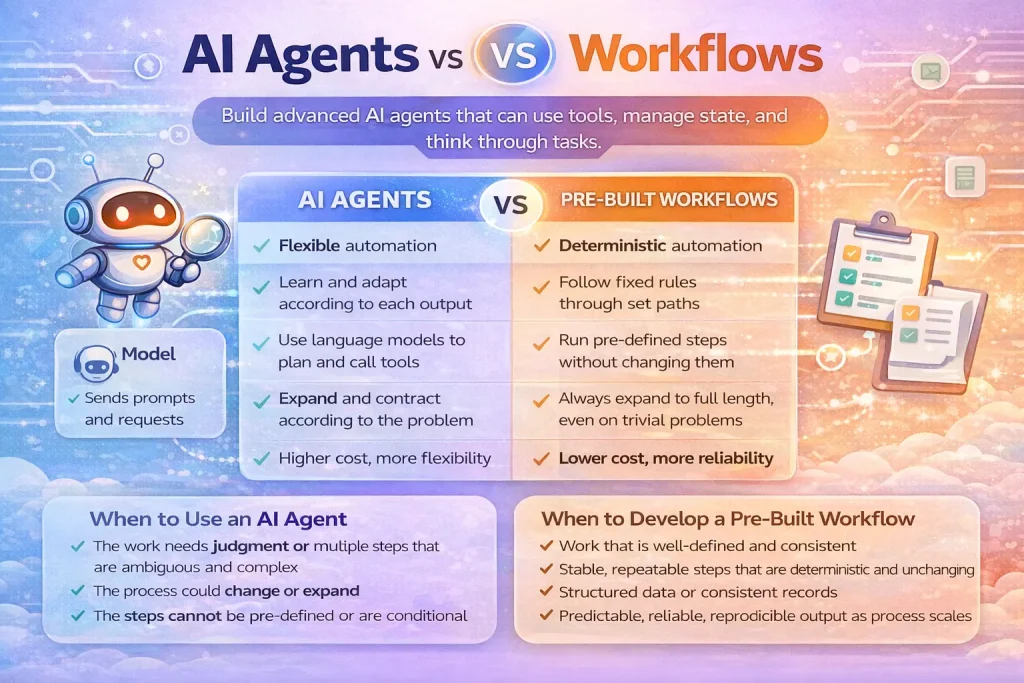
AI agents and workflows are related, but they are not the same thing. A workflow is a defined sequence of steps, conditions, and actions. An AI agent is a model-driven system that can decide what to do next inside a loop, often using tools along the way. If your process is stable and predictable, a workflow is usually the better starting point. If the process requires judgment, context gathering, or flexible sequencing, an agent can be the better fit.
That is the practical verdict. Choose workflows for repeatable operational logic like syncing CRM fields, routing tickets by rules, or pushing approved content into a CMS. Choose agents when the system must interpret messy input, decide which tool to use, or work through uncertainty without a rigid path defined in advance.
What each option is
An AI agent is typically built around a language model with tools, state, and orchestration logic. It can inspect a task, call a search or API function, evaluate the result, and continue until it reaches an output or stop condition.
A workflow is a structured automation path. It may include triggers, branches, approvals, data transformations, and notifications, but the path is designed by the builder in advance. Tools like n8n, Make, and Zapier are workflow-first systems even when they include AI steps.
Quick comparison table
| Option | Best for | Main strength | Main limitation | Skill level |
|---|---|---|---|---|
| AI agents | Ambiguous, multi-step tasks | Flexible decision-making | Harder to control and debug | Intermediate |
| Workflows | Repeatable business processes | Predictable execution | Less adaptable to edge cases | Beginner to Intermediate |
The main difference
The core difference is who determines the next step. In a workflow, the builder determines the path ahead of time through nodes, branches, and conditions. In an agent system, the model determines the next action at runtime within boundaries you define.
That difference affects everything else: reliability, maintenance, cost, compliance, and where human approvals should sit.
Which one is easier to start with
Workflows are easier to start with because they are explicit. If you need to capture a form, enrich a lead, create a CRM record, and send a Slack alert, a workflow tool will usually get you there faster than an agent stack. You can test each step, inspect each payload, and see exactly where a record went wrong.
Agents are harder to start with because setup quality depends on prompt design, tool definitions, state handling, and evaluation. Even when an agent builder or SDK hides some plumbing, you still need to think about tool boundaries, retries, and failure modes.
Which one is more flexible
Agents are more flexible once the task requires interpretation. A support intake system that must read a long customer message, decide what information is missing, search internal documents, and then draft a response is difficult to encode as pure branching logic. An agent can usually handle that kind of ambiguity better.
Workflows are more flexible in a different sense: operational control. They are better when you need precise rules around approvals, record creation, escalation paths, or data movement. They bend less at runtime, which is often exactly what operations teams want.
Where templates help
Templates reduce setup time for workflows because the shape of the process is already known. Importing a lead-routing or approval-flow template can save significant time if the task is mostly deterministic. Templates help less with agent-heavy tasks because the real work often sits in tool definitions, evaluation, and domain-specific instructions rather than in the visible workflow skeleton.
Best fit by use case
Choose workflows when:
- You know the trigger, steps, and outputs in advance
- You need strong auditability around each action
- You are moving records between systems like CRM, sheets, ticketing, and email
- You want non-technical teammates to understand the automation path
Choose agents when:
- The task involves unstructured input or context-heavy decisions
- The system must select among multiple tools at runtime
- You need iterative research, drafting, triage, or analysis
- A fixed decision tree becomes brittle or too large to maintain
Common tradeoffs and decision mistakes
The biggest mistake is replacing a simple workflow with an agent just because agentic systems feel more advanced. That often creates more failure points without improving the outcome. Another mistake is forcing a rigid workflow onto a problem that really requires interpretation, then wondering why the branching logic keeps expanding.
A useful rule is to start with the simplest thing that can succeed. If a deterministic workflow solves the business requirement, use that first. If repeated exceptions or ambiguous inputs keep breaking the automation, then add an agent where judgment is actually needed.
FAQ
Can a workflow include an AI step and still be a workflow?
Yes. A workflow can call an LLM for classification, summarization, or extraction and still remain a workflow if the overall control logic is predefined.
Can an agent use workflows?
Yes. Many teams expose workflows as tools an agent can call. That lets the agent decide when to invoke a reliable operational path rather than rebuilding every action inside the agent loop.
Which one is better for compliance-heavy teams?
Usually workflows, because each action is explicit and approvals can be placed at exact points. Agents can still be useful, but they usually need stronger guardrails and narrower permissions.
Conclusion
AI agents are better for flexible reasoning and uncertain task paths. Workflows are better for dependable execution and operational clarity. Most production systems need both: workflows for the stable backbone, and agents for the parts where fixed logic is too rigid.
Related Guides
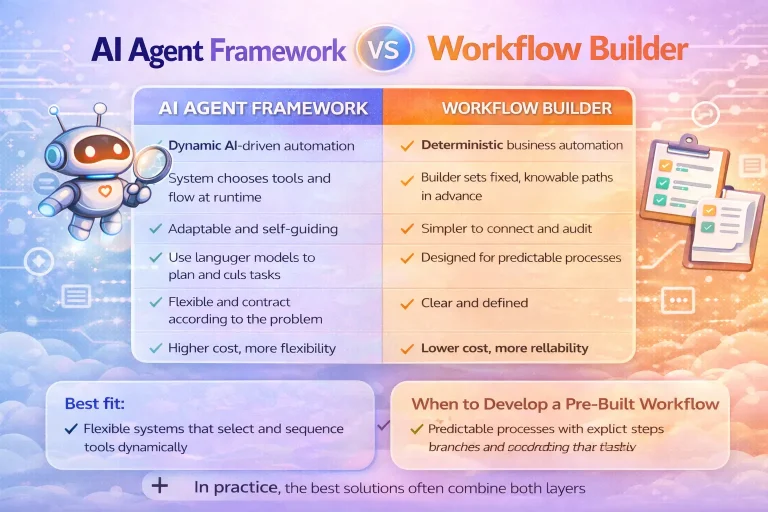
AI Agent Framework vs Workflow Builder
This comparison explains the real difference between AI agent frameworks and workflow builders so you can choose the right layer for your team and...
Read Guide
Workato Pricing in 2026: What It Really Costs
This guide explains how Workato pricing works in 2026 and what enterprise buyers are actually paying for beyond the surface-level contract. It is designed...
Read Guide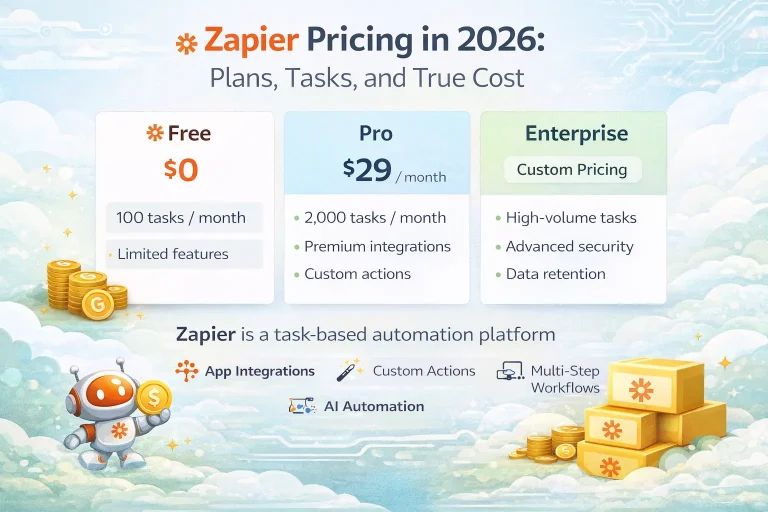
Zapier Pricing in 2026: Plans, Tasks, and True Cost
This guide explains Zapier pricing in 2026 and where the true cost comes from once workflows move beyond simple automations. It is written for...
Read Guide