
n8n
Workflow automation for technical teams that need APIs, control, and self-hosting
Visit Website
About This Tool
n8n is a workflow automation platform built for technical teams that need more control over how automations are designed, deployed, and connected across their stack. It combines a visual workflow builder with custom code support, webhooks, APIs, and a broad integration ecosystem, making it suitable for everything from routine process automation to internal tools and AI workflows. In practice, teams use n8n to orchestrate data flows, connect SaaS apps with internal systems, automate backend operations, and run multi-step workflows that go beyond simple no-code recipes. That makes n8n relevant not just as an automation tool, but as a workflow layer for companies comparing cloud versus self-hosted deployment, lightweight app sync versus deeper orchestration, and simple automations versus more flexible operational workflows.
n8n at a glance
- Category: Workflow automation platform
- Best for: Technical teams, internal tools, API orchestration, and AI workflows
- Deployment options: Cloud and self-hosted
- API support: Yes, with public REST API documentation
- Code flexibility: Visual workflows with support for custom code
- Typical use cases: Data sync, lead routing, internal automations, AI workflow orchestration, and operational pipelines
Why people use n8n
People usually choose n8n when basic automation tools feel too limiting for real operational workflows. It is often used by teams that need webhook-driven triggers, custom API calls, branching logic, database operations, reusable backend processes, or self-hosted execution for more control over infrastructure and data handling. Compared with simpler automation builders, n8n is often preferred when workflows are closely tied to internal systems, business logic, or engineering workflows rather than just surface-level SaaS app connections.
Another reason users adopt n8n is flexibility in how workflows are built and deployed. Some teams want a managed cloud product to get started quickly, while others want to self-host the automation layer inside their own environment. It is also increasingly relevant in AI workflow scenarios, where businesses need to connect models, prompts, retrieval steps, approval logic, and downstream tools in one repeatable pipeline. In that sense, n8n is not only a workflow builder. It often becomes the orchestration layer behind operations, internal tooling, and AI-assisted processes.
Core capabilities
- Visual workflow builder for multi-step automations with branching logic
- Webhook triggers and event-based automation for real-time workflow execution
- Public REST API for managing workflows and related operations programmatically
- Self-hosted deployment options for teams that need infrastructure control
- Custom code support for advanced logic, transformations, and edge-case handling
- Broad integration support across SaaS tools, developer services, data systems, and internal platforms
- Support for backend operational workflows such as sync, enrichment, approvals, and notifications
- Useful foundation for AI workflows that combine model calls, external tools, and business logic
- Cloud deployment path for teams that want faster setup with less operational overhead
When to choose n8n over Zapier or Make
n8n is usually the better choice when workflows need more technical flexibility, more control over execution, or closer integration with custom systems. Teams often prefer n8n when they need webhook-heavy automations, API orchestration, database steps, custom scripts, self-hosted deployment, or workflows that behave more like backend infrastructure than simple app-to-app connections. It is especially strong when automation is part of a larger technical stack rather than an isolated productivity tool.
It is also a strong fit when workflows include internal operations, AI pipelines, approval flows, or multiple systems that need to be coordinated in a controlled way. By contrast, teams that want the fastest onboarding for lightweight business automations may prefer more beginner-oriented platforms. In practice, n8n is often selected not because it is the easiest workflow builder, but because it gives technical teams more room to build workflows the way they actually need them.
How it fits into modern workflows
In modern workflow stacks, n8n often sits between business applications, internal systems, APIs, databases, messaging tools, and AI services. Teams use it to trigger actions from forms, webhooks, and app events; transform and move data between systems; and execute repeatable operational logic across departments. That makes it useful for lead routing, reporting pipelines, enrichment jobs, internal notifications, content workflows, support operations, and AI-assisted processes that combine model outputs with real business actions.
Because it supports API-driven automation and self-hosting, n8n can also fit environments where companies want more control over deployment, security, or system design. This makes it especially relevant for businesses building internal tools, self-hosted workflow stacks, technical operations pipelines, and AI automation systems that need an orchestration layer rather than just a simple automation trigger.
Related guides and templates
If you are evaluating n8n as part of a broader workflow stack, this page works best when connected to comparison guides, use-case guides, and practical templates. Good next steps include content such as n8n vs Zapier, n8n vs Make, Best n8n Workflows by Use Case, Is n8n Good for AI Agents?, and Best Self-Hosted Alternatives to n8n. These topics help explain where n8n fits in the market and which teams are most likely to benefit from it.
This page can also act as the parent entry for n8n-based templates covering lead routing, research automation, internal notifications, data sync, content operations, and AI-assisted workflows. That makes the n8n tool page more than a standalone tool listing. It becomes a strategic hub that helps both users and search systems understand how your n8n content connects across tools, guides, comparisons, and templates.
Best For
n8n is best for technical teams, automation specialists, developers, RevOps leaders, and operations-heavy businesses that need more control than beginner-first workflow tools usually provide. It works especially well for internal tools, API orchestration, webhook-driven processes, data sync, approval flows, and AI workflow pipelines that involve multiple steps or systems. Teams that care about self-hosting, infrastructure flexibility, and backend-oriented workflow design will usually get more value from n8n than teams that only need simple SaaS automations.
Key Features
- Visual workflow builder with branching logic
- Cloud and self-hosted deployment options
- Public REST API for programmatic management
- Webhook-based automation and event triggers
- Custom code support for advanced workflow logic
- Broad integration support across apps and services
- Strong fit for internal tools and backend workflows
- Useful orchestration layer for AI workflows
- Reusable multi-step workflows for operations teams
Pros
- Strong fit for API-heavy and technical workflows
- Self-hosting is available for teams that need more control
- More flexible than many beginner-oriented automation tools
- Good foundation for internal tools and AI workflow orchestration
- Combines visual editing with code when needed
Cons
- Not OSI-style open source despite visible source code
- Can be more complex than entry-level automation platforms
- Self-hosting adds infrastructure and security responsibility
- Less ideal for users who only want simple SaaS automations
- Some advanced use cases are better suited to technical teams
Related Tools
Explore other tools in the same category.
Workato
Workato helps enterprises connect apps, data, APIs, and business processes in one automation platform built for governed workflows, large-scale integrations, and operational orchestration across teams.

Activepieces
Activepieces is an AI-first automation platform with open-source self-hosting, visual workflow building, and cloud options, helping teams connect apps, APIs, and AI agents in practical business workflows.

Relay
Relay.app helps teams build AI-powered, multi-step workflows with app integrations, approvals, and flexible triggers for business operations, recruiting, support, and go-to-market automation.
Related Guides
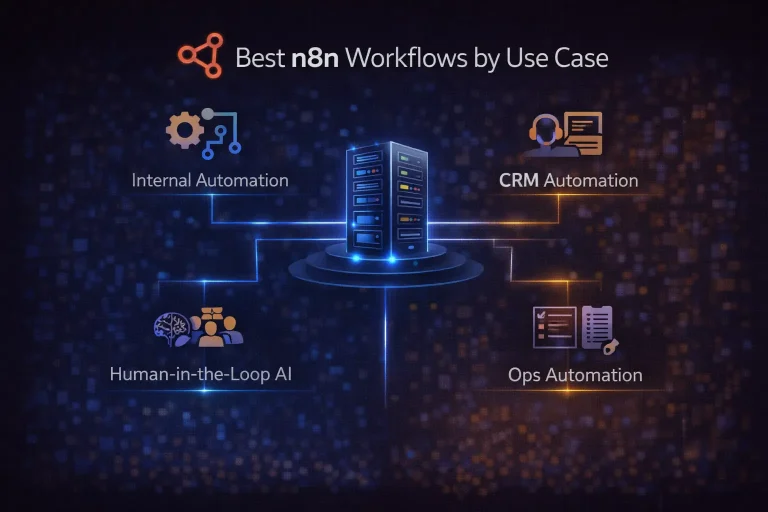
Best n8n Workflows by Use Case
This guide breaks down the strongest n8n workflow categories, why they fit the platform well, and which ones are worth building first.
Read Guide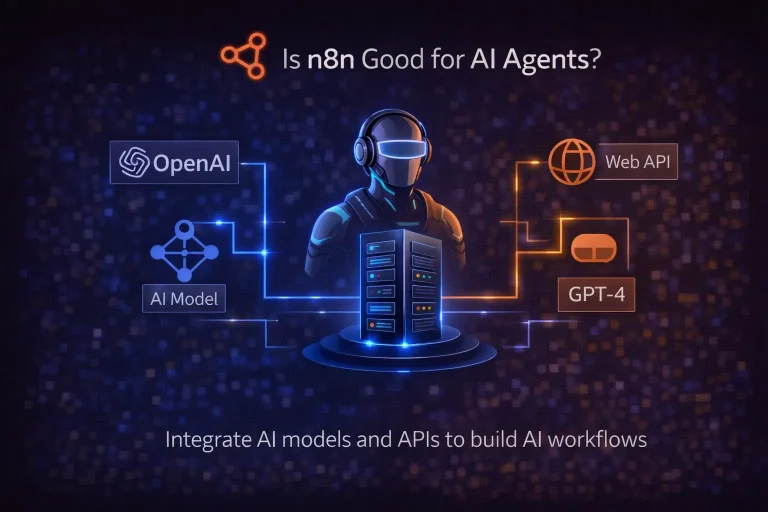
Is n8n Good for AI Agents?
This guide explains whether n8n is a good platform for AI agents, what kinds of agent workflows it supports well, and when to choose a code-first framework instead.
Read Guide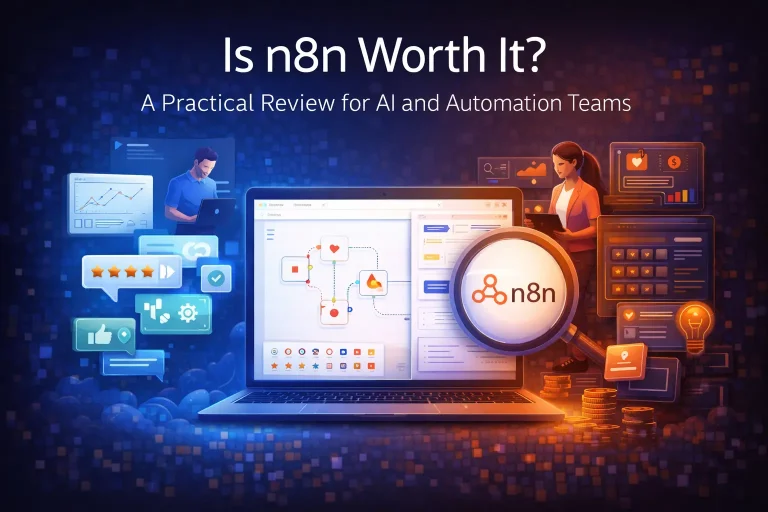
Is n8n Worth It? A Practical Review for AI and Automation Teams
This guide evaluates whether n8n is worth it for modern automation and AI workflow teams. It focuses on workflow depth, ownership, deployment flexibility, and real implementation tradeoffs.
Read Guide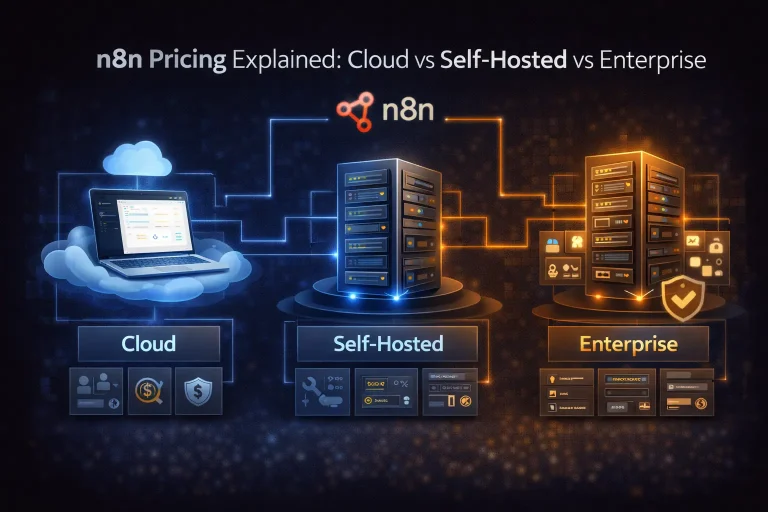
n8n Pricing Explained: Cloud vs Self-Hosted vs Enterprise
This guide explains how n8n pricing actually works, what execution-based billing means, and when Cloud, self-hosting, or enterprise is the better fit.
Read Guide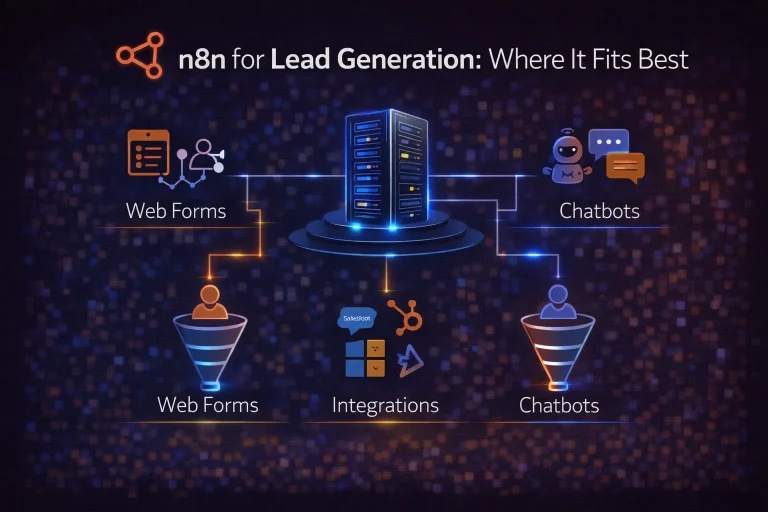
n8n for Lead Generation: Where It Fits Best
This guide explains how n8n fits lead generation workflows, what a strong implementation looks like, and where templates help versus where custom logic still matters.
Read Guide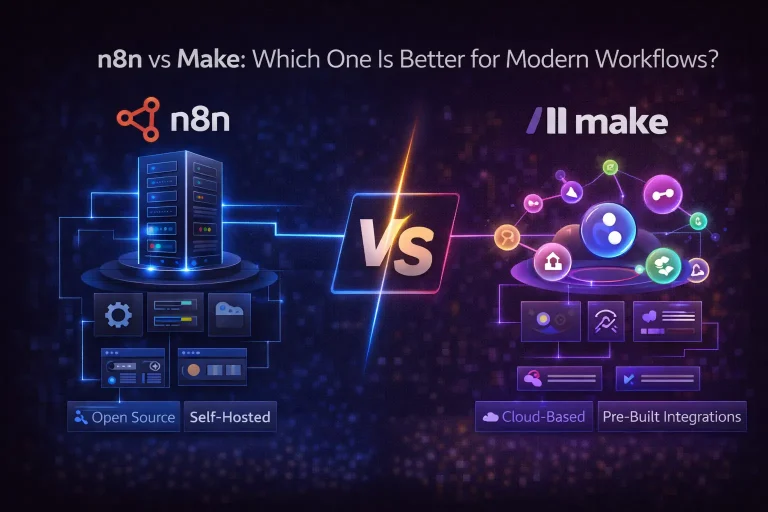
n8n vs Make: Which One Is Better for Modern Workflows?
This guide compares n8n and Make across ease of use, workflow flexibility, pricing logic, AI use cases, and self-hosting so you can choose the better fit.
Read Guide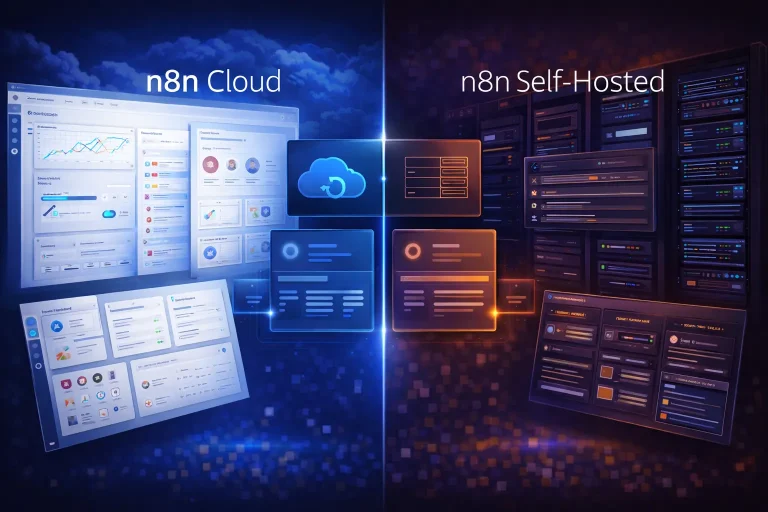
n8n Cloud vs Self-Hosted: Which Deployment Model Fits Best?
This guide compares n8n Cloud and self-hosted n8n across setup effort, control, cost logic, and real workflow fit. It is aimed at teams deciding how they should run...
Read Guide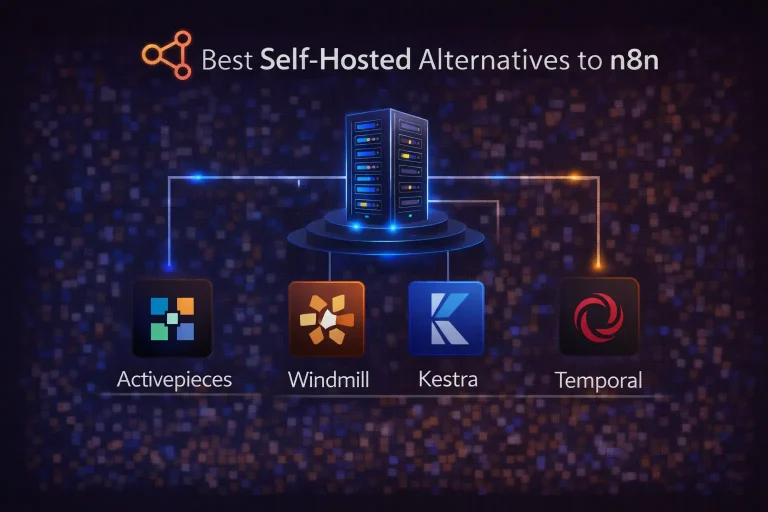
Best Self-Hosted Alternatives to n8n
This guide compares the best self-hosted alternatives to n8n, including which ones fit mixed teams, developer-led workflows, and more durable orchestration needs.
Read GuideRelated Templates
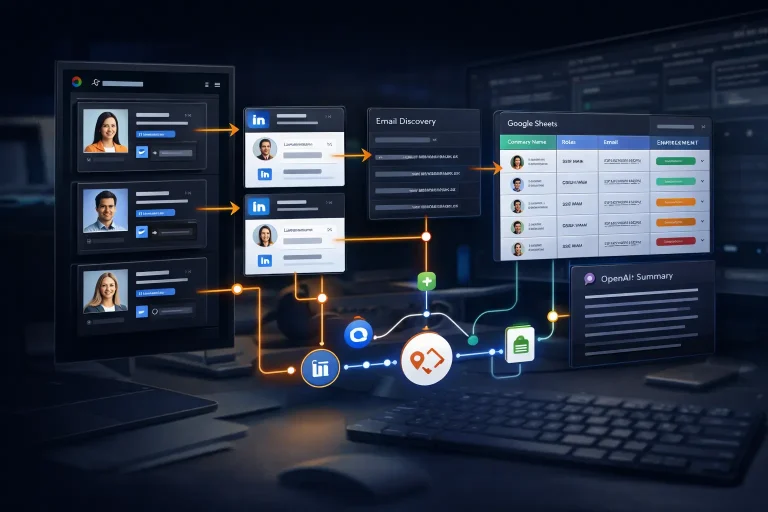
LinkedIn Lead Generation & Enrichment n8n Workflow Template
Collect LinkedIn prospects, enrich their contact and profile data, and organize the final output in Google Sheets with a multi-step n8n workflow.
View Template
Multi-Platform Social Publishing OpenAI Workflow Template
Generate social posts for multiple networks, route them through approval, and publish the approved content from one n8n workflow.
View Template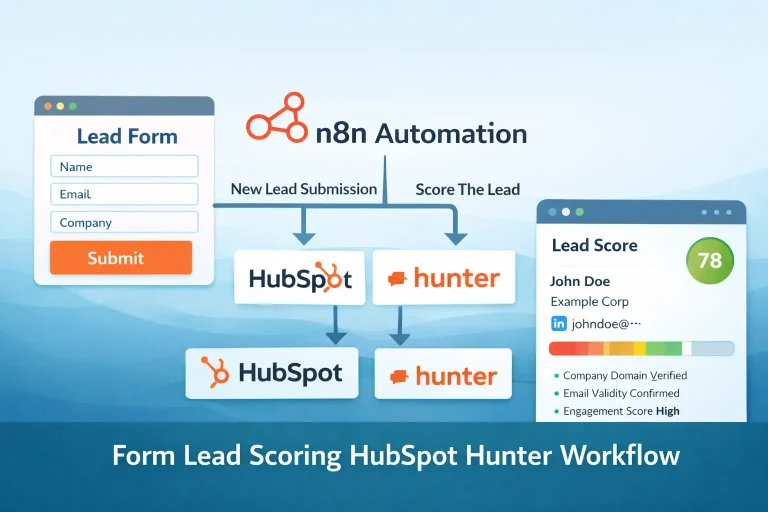
Form Lead Scoring HubSpot Hunter Workflow Template
Validate a form submission, score the lead, send outreach to qualified contacts, and log the engagement in HubSpot.
View Template
Research Automation n8n Workflow Template
This workflow automates research automation and keeps the output in sync across the tools used in the process.
View Template