
Subscriber Welcome Email Mailchimp Gmail Workflow Template
Add new signups to Mailchimp and send a branded welcome email with a discount code as soon as the form is submitted.
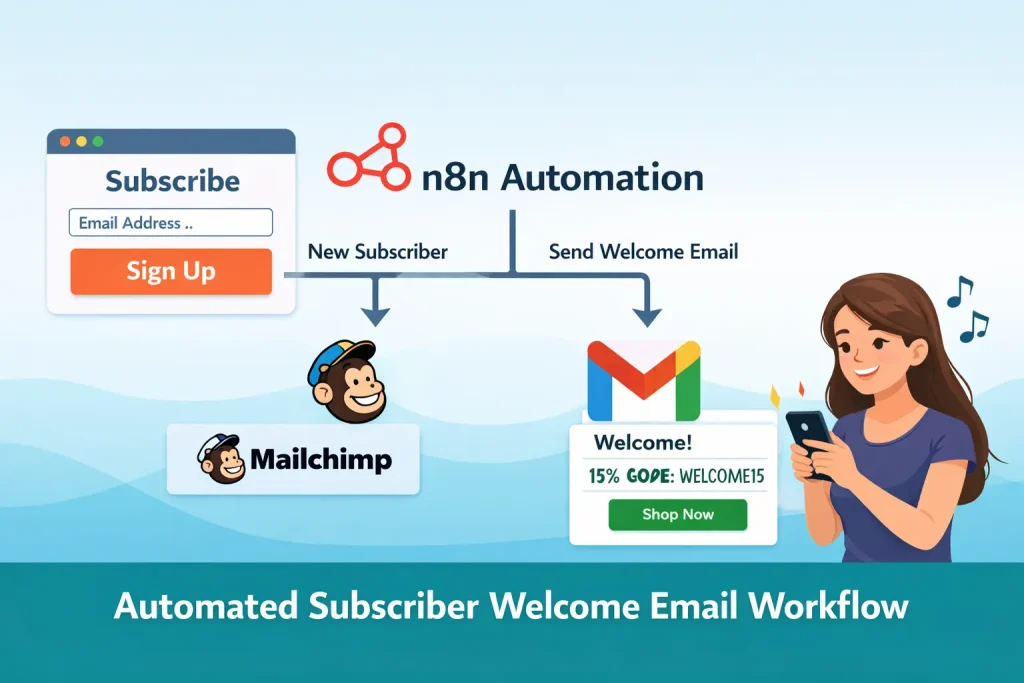
This template is a subscriber onboarding flow for email marketing. A website form posts signup data to n8n, the contact is added to Mailchimp, and Gmail sends a welcome email that can include a discount code, store link, and brand messaging.
It works well for e-commerce signup forms, course launches, and simple lifecycle marketing where the first email should go out immediately.
Tools Used



What This Workflow Does
This n8n workflow handles immediate welcome email delivery after a signup.
- Receives signup data from a website or landing page via webhook
- Adds the contact to a Mailchimp audience
- Maps the subscriber name into Mailchimp merge fields
- Sends a Gmail welcome email with discount or onboarding content
- Continues sending the email even if the Mailchimp step returns an error
How It Works
- A webhook receives the signup form payload.
- The Mailchimp node creates a subscriber in the selected audience.
- Name data is mapped into Mailchimp merge fields.
- Gmail sends a welcome email to the submitted address.
- The HTML email can include a discount code, store link, and social links.
- The workflow returns the final node response to the webhook caller.
Use Cases
- Ecommerce welcome emails
- Discount code delivery after signup
- Newsletter onboarding
- SaaS trial welcome email automation
- Lead capture follow-up from landing pages
Benefits
- Responds to signups immediately
- Keeps subscriber data in Mailchimp for later campaigns
- Works with standard website forms through a webhook
- Supports branded HTML email content
- Simple starting point for lifecycle marketing
Customization Ideas
- Add duplicate checks before creating the Mailchimp subscriber
- Route different sources into different welcome emails
- Swap Gmail for a dedicated transactional email provider
- Add follow-up waits for multi-email onboarding
- Write the signup source into Mailchimp tags or merge fields
Details
This workflow handles a common lifecycle marketing task: receiving a signup, storing the new subscriber in Mailchimp, and sending an immediate welcome email from Gmail. The uploaded JSON uses a webhook trigger, so it can sit behind a website form, landing page, or custom signup flow without needing a separate form platform node.
What the workflow expects
The incoming payload includes at least a name and email address. The Mailchimp step uses that data to create a new audience member and maps the first name into a merge field. The Gmail step then uses the same payload to send an HTML welcome email. In the sample export, the email includes a business name placeholder, a discount code block, a shop link, and social links.
Where the practical value comes from
The main value is timing and consistency. The subscriber receives a branded response as soon as they sign up, while the marketing team gets the contact into Mailchimp for later campaigns. That makes the workflow useful both as a conversion step and as a list-building step. The export also shows that the Mailchimp node is configured to continue regular output on error, which means you can still send the welcome email even if the list write fails. That is a useful tradeoff for teams that care more about the subscriber experience than perfect system sync on the first attempt.
Required setup
You need a Mailchimp audience ID, Gmail OAuth credentials, and a form or site capable of POSTing JSON to the webhook. The HTML email needs editing before production because the template contains sample business name, links, and discount content. You should also test delivery carefully so the email does not land in spam and make sure your form field names match what the webhook expects.
Who should use this template
This template fits ecommerce stores, course creators, SaaS signups, and any team that wants a basic welcome sequence without building a full customer journey first. It is most useful when one immediate response email is enough and Mailchimp is already your list of record.
What to customize
Most teams will customize the HTML email, the Mailchimp audience, and any merge field mapping first. After that, common additions are source-based routing, tags, double opt-in handling, wait steps for follow-up emails, and a dedicated transactional mail provider for better deliverability.
Caveats
This workflow does not include spam protection, duplicate checking, or multi-step lifecycle logic by default. It is a good starting point for first-touch email automation, but not a full subscriber management system. Use it as the initial welcome layer, then extend it if your marketing stack needs attribution, segmentation, or longer nurture paths.
FAQ
What triggers this workflow?
A website or landing-page form sends a POST request to the n8n webhook with signup details such as name and email.
Do I need Mailchimp to use it?
Yes. The default workflow adds the subscriber to a Mailchimp audience before or alongside the welcome email step.
Can I change the discount code and email layout?
Yes. The Gmail node contains editable HTML, so the offer, store URL, branding, and links can all be replaced.
Is this only for ecommerce?
No. The same pattern works for SaaS onboarding, newsletters, community signups, and course registration flows.
Summary
Platform: n8n
Use Case: Marketing automation
Tools: Mailchimp, Gmail
Output: New subscribers welcomed by email and stored in Mailchimp
Related Guides
How to Set Up an n8n Welcome Email Workflow with Mailchimp and Gmail
This guide explains how to set up an n8n workflow that receives signup data, creates a Mailchimp subscriber, and sends a welcome email with a discount code through...
Read GuideRelated Templates
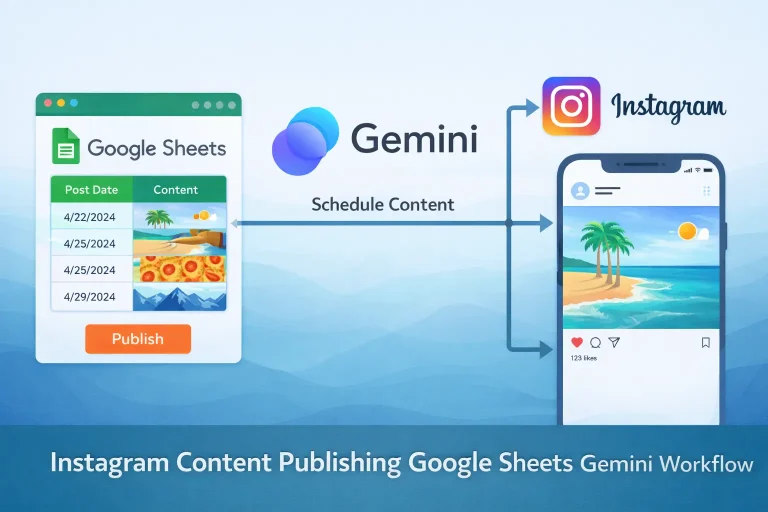
Instagram Content Publishing Google Sheets Gemini Workflow Template
Turn content ideas stored in Google Sheets into AI-generated Instagram posts with captions, images, and status updates.
View Template
Multi-Platform Social Publishing OpenAI Workflow Template
Generate social posts for multiple networks, route them through approval, and publish the approved content from one n8n workflow.
View Template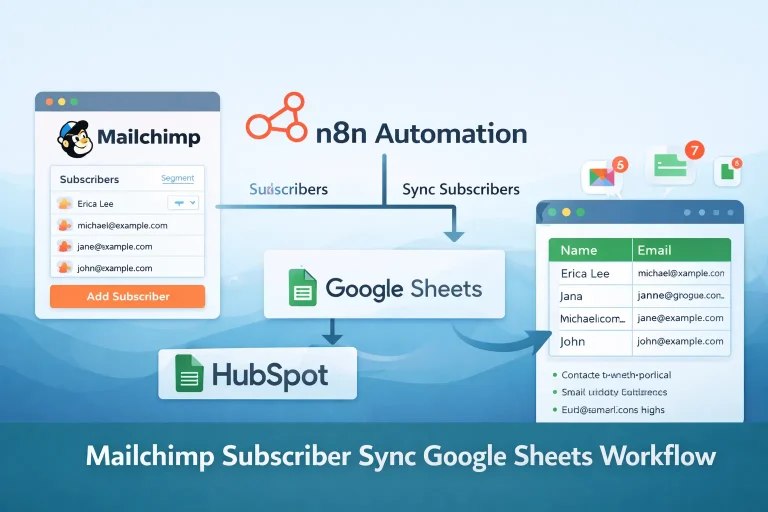
Mailchimp Subscriber Sync Google Sheets Workflow Template
Read lead rows from Google Sheets and add them to a Mailchimp audience on a recurring schedule.
View Template