
Multi-Platform Social Publishing OpenAI Workflow Template
Generate social posts for multiple networks, route them through approval, and publish the approved content from one n8n workflow.
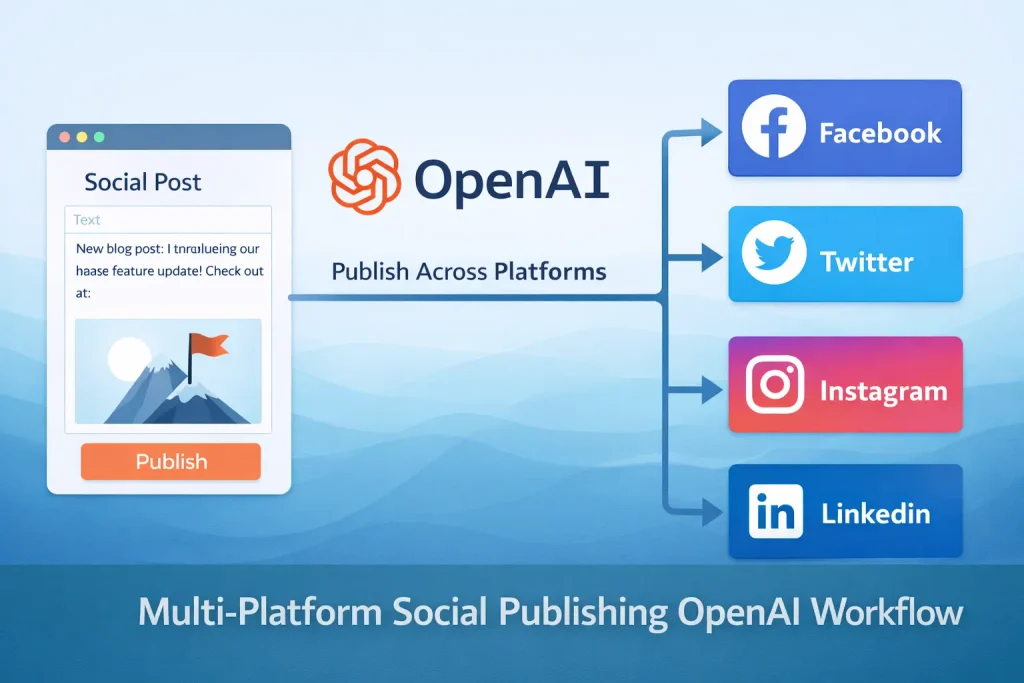
This template is a full social publishing pipeline rather than a single post generator. It creates platform-specific copy, optional visuals, and approval emails, then pushes approved content to networks such as Instagram, Facebook, X, and LinkedIn.
It suits teams that want one place to manage multi-channel social output, especially when brand review still needs to happen before publishing.
Tools Used



What This Workflow Does
This n8n workflow runs a social media content and publishing pipeline across several channels.
- Accepts a content brief through an n8n form
- Uses OpenAI and Gemini to produce platform-specific post drafts
- Generates hashtags, calls to action, and image or video suggestions
- Sends review emails for human approval before publishing
- Publishes approved content to Instagram, Facebook, X, and LinkedIn
- Sends result summaries through Gmail and Telegram
How It Works
- A form trigger collects the topic, link, and optional keywords for the social post request.
- AI nodes and structured parsers generate platform-specific copy and media suggestions.
- Optional image generation and image hosting steps prepare media assets for channels that need hosted images.
- Gmail sends approval emails so a human can review the generated content.
- If the content is approved, publish nodes send posts to the connected social platforms.
- If the content is rejected, the workflow can stop or return the draft for revision.
- Final result messages are sent by Gmail or Telegram for tracking and review.
Use Cases
- Agency social publishing workflows
- Multi-platform campaign execution
- Human-reviewed AI social content
- Brand-consistent social post generation
- Centralized publishing across several networks
Benefits
- Reduces copy rewriting between platforms
- Keeps approval in the workflow instead of in separate inbox threads
- Supports both text and media-oriented content generation
- Combines research, drafting, review, and publishing in one flow
- Makes multi-channel social output more traceable
Customization Ideas
- Log drafts and approvals in Google Sheets or Airtable
- Turn off networks you do not use
- Replace Gmail approval with Slack or Telegram approval
- Swap the image generation method for your preferred provider
- Add campaign IDs, UTM tags, or content calendars
Details
This workflow acts as a multi-platform social publishing system. A user submits a content brief, AI nodes generate channel-specific drafts, approval steps collect human review, and the approved output is published to connected social accounts. It is much closer to an editorial operations workflow than a one-off post generator.
What goes in and what comes out
The input is a social brief submitted through an n8n form. In the uploaded export, the form can include a topic, a source link, and optional hashtags or keywords. From there, the workflow builds a structured content object with separate fields for LinkedIn, Instagram, Facebook, X, TikTok, Threads, and YouTube Shorts. The output is a set of approved posts, plus result notifications sent by Gmail or Telegram.
Where the automation logic matters
The main implementation value comes from the combination of structured generation and approval. Instead of writing a single generic caption, the workflow asks AI to produce per-platform variations with different fields such as captions, hashtags, call-to-action text, image suggestions, and video suggestions. That structure matters because it gives each publish node cleaner input and makes approval more readable. The Gmail approval nodes then act as a guardrail before anything is posted live.
Required and optional tools
The workflow uses OpenAI, Google Gemini, Gmail, social network credentials, and SERP API. It also includes image-related steps using OpenAI image generation, Pollinations.ai, and ImgBB-style hosting. Some of those are optional depending on whether you want generated visuals or text-only posts. The publish layer includes Facebook Graph API, X, and LinkedIn nodes, so you need those credentials and account IDs configured before the template can run end to end.
Who this is a good fit for
This template fits agencies, internal marketing teams, and operators managing multiple social channels with repeatable review steps. It is useful when the same campaign idea needs to be adapted across channels but still checked by a human. It is less suitable if you only need one Instagram post per week and do not want to maintain several APIs.
What usually needs customization
Most teams will customize three areas first: the prompt logic, the approval routing, and the list of active channels. The published export includes more platforms than many teams need. Turning unused branches off will make testing easier. You should also replace placeholder IDs in the social publish steps, review the character handling for X, and decide whether Gmail or Telegram should be the primary review channel.
Common caveats
The workflow depends on several external services, so failures are more likely than in a basic form-to-email automation. Social API permissions, hosted image URLs, approval delays, and prompt drift are the most common places where production use needs attention. This is a template for teams that expect to adapt the flow, not a drop-in solution for every social stack.
Template versus rebuild
If you want a central skeleton for AI drafting, approval, and multi-network posting, this template saves a lot of setup time. If your publishing process is tied to a formal content calendar, compliance review, or analytics database, keep the generation and approval pieces but expect to rebuild parts of the routing and storage model.
FAQ
What platforms can this workflow publish to?
The exported template includes publishing branches for Instagram, Facebook, X, and LinkedIn, with additional content structures for other channels such as TikTok, Threads, and YouTube Shorts.
Does it require human approval?
Yes. Approval is a core part of the design, and Gmail nodes are used to review generated content before publishing.
What credentials do I need?
You need AI model credentials, Gmail, social platform credentials, and supporting services such as SERP API and image hosting if you keep those nodes active.
Is this suitable for small teams?
It can be, but only if you are comfortable maintaining several integrations. For a single-channel use case, a smaller workflow may be easier to operate.
Summary
Platform: n8n
Use Case: Marketing automation
Tools: OpenAI, Google Gemini, Gmail, LinkedIn, Facebook, X
Output: Approved social posts published across multiple platforms
Related Guides

How to Build an n8n AI Social Media Workflow for Multi-Platform Publishing
This guide explains how to build an n8n workflow that generates social posts, sends them for review, and publishes approved content across multiple platforms. It is best for...
Read GuideRelated Templates
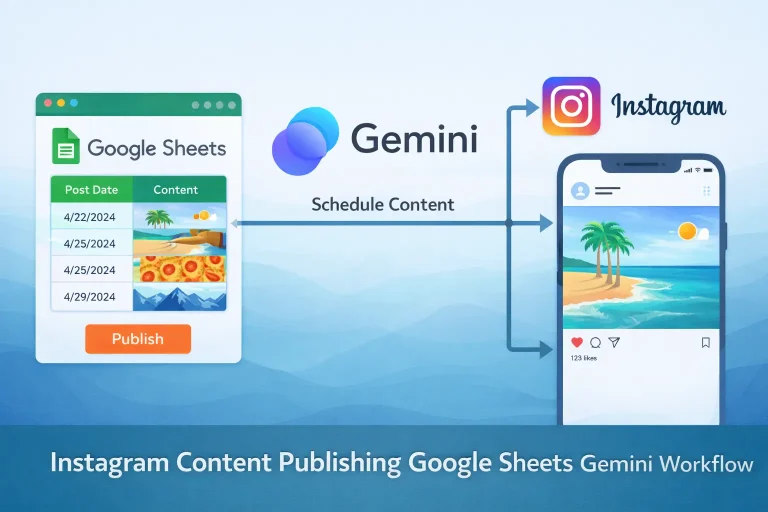
Instagram Content Publishing Google Sheets Gemini Workflow Template
Turn content ideas stored in Google Sheets into AI-generated Instagram posts with captions, images, and status updates.
View Template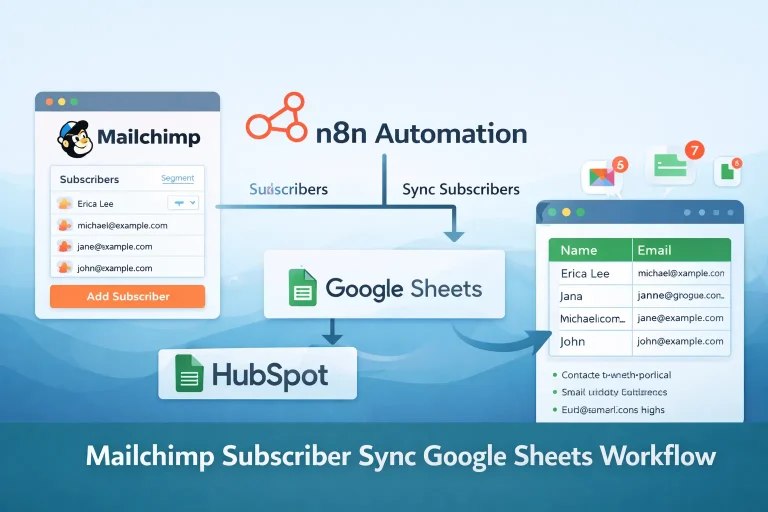
Mailchimp Subscriber Sync Google Sheets Workflow Template
Read lead rows from Google Sheets and add them to a Mailchimp audience on a recurring schedule.
View Template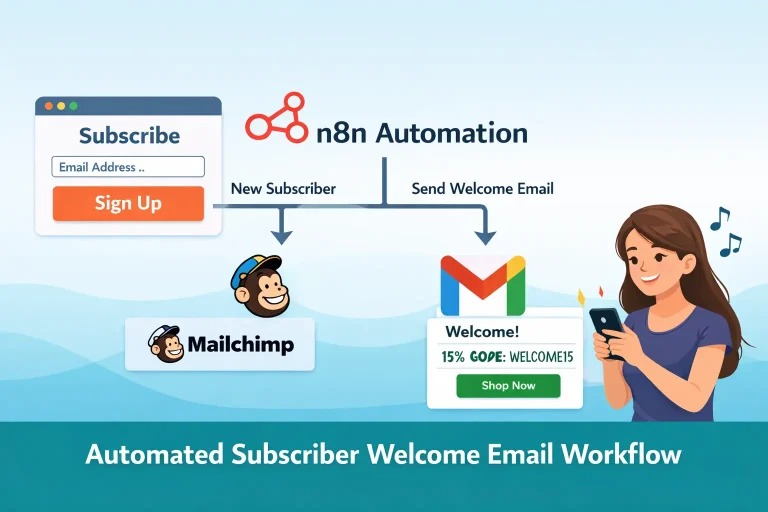
Subscriber Welcome Email Mailchimp Gmail Workflow Template
Add new signups to Mailchimp and send a branded welcome email with a discount code as soon as the form is submitted.
View Template