
Instagram Content Publishing Google Sheets Gemini Workflow Template
Turn content ideas stored in Google Sheets into AI-generated Instagram posts with captions, images, and status updates.
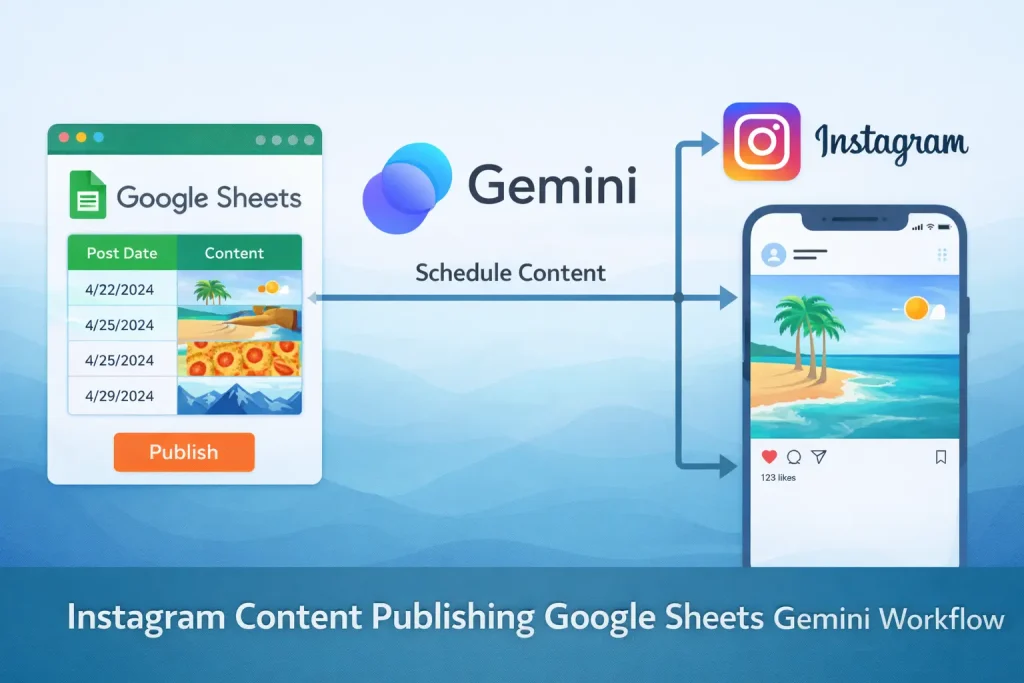
This template treats Google Sheets as the content queue for Instagram publishing. It reads the next unprocessed idea, generates a concept and caption with Gemini, creates an image, publishes the post to Instagram, and marks the row as complete.
It is a good fit when you already plan social content in a spreadsheet and want the execution step automated.
Tools Used

What This Workflow Does
This n8n workflow turns a spreadsheet-based content plan into published Instagram posts.
- Runs on a schedule to check for the next pending content row
- Reads Topic, Audience, Voice, and Platform fields from Google Sheets
- Uses Gemini to generate a post concept, image prompt options, and caption
- Sends an image generation request to Replicate Flux
- Publishes the final image and caption to Instagram
- Updates the source row so the same idea is not published twice
How It Works
- A schedule trigger starts the workflow on a recurring interval.
- Google Sheets finds the next content idea with a pending status.
- A Set node prepares structured inputs such as topic, audience, voice, and platform.
- Gemini generates the concept and two image prompt options.
- Gemini writes an Instagram-ready caption based on the selected prompt.
- Replicate creates the image asset from the chosen prompt.
- Instagram media container and publish steps post the image and caption.
- Google Sheets updates the row status after publication.
Use Cases
- Instagram content calendar execution
- Spreadsheet-driven social publishing
- AI caption and image generation for planned posts
- Scheduled Instagram posting from a content queue
- Small-team social operations
Benefits
- Keeps content planning separate from publishing execution
- Uses structured spreadsheet rows instead of free-form prompts
- Marks published items so the queue stays organized
- Combines image and caption generation in one run
- Works well for recurring content production
Customization Ideas
- Add approval before the Instagram publish step
- Generate multiple caption options instead of one
- Store the generated caption and image URL back in the sheet
- Branch by platform to support LinkedIn or Facebook from the same queue
- Replace Replicate with another image generation provider
Details
This workflow reads planned post ideas from Google Sheets, generates the creative assets needed for Instagram, publishes the post, and then updates the row so the same idea is not processed again. It is a practical publishing pipeline for teams that already use spreadsheets as a simple content calendar.
Input and output structure
The uploaded export expects each content row to include fields such as Topic, Audience, Voice, Platform, and Status. The workflow looks for rows that are still pending, then uses those fields to guide generation. The output is a published Instagram post plus an updated sheet row that reflects completion. That means Google Sheets acts as both the planning surface and the execution log.
How the generation layer works
The automation does more than write a caption. Gemini is used in multiple stages: first to generate a post concept, then to expand that concept into image prompt options, and finally to write the caption. That staged structure is useful because it separates “what the post should be about” from “how the image should look” and “what the final text should say.” The result is easier to tune than a single all-in-one prompt.
Image creation and publishing
After the caption and image prompt are ready, the workflow calls Replicate to generate the final image. The Instagram publish path then creates a media container and posts the content through the connected account. This part of the flow is where production setup matters most: Instagram permissions, correct account linking, and valid media URLs all need to be checked before relying on scheduled publication.
Who should use this template
This template is a strong fit for small marketing teams, freelancers, and operators who keep a social calendar in Google Sheets and want the publishing stage automated. It is especially useful when post ideas already exist and the missing step is execution, not ideation. It is less suitable if your content process depends on formal editorial review, asset libraries, or multiple approval roles.
What you will likely customize
The first customizations are usually row filtering, approval, and storage of generated assets. Some teams only want the workflow to draft captions and images, not publish automatically. Others want the generated image URL and caption written back to the sheet before a manager signs off. You may also want to use the Platform field more actively so the same queue can branch into LinkedIn or Facebook publishing later.
Main caveats
This workflow depends on clean spreadsheet rows and valid Instagram publishing permissions. If the sheet has inconsistent status values or incomplete topic fields, the generation steps will be weaker. Image generation is also an external dependency, so latency and cost need to be considered. Use this template when you want an execution engine for an existing content calendar, not when you need a full content operations system with approvals, analytics, and asset management built in.
FAQ
What does this workflow use as the content source?
It uses Google Sheets as the planning layer, reading rows that contain fields such as topic, audience, voice, and platform.
Does it publish automatically?
Yes. Once the schedule runs and a pending row is found, the workflow can generate the image and caption and publish directly to Instagram.
What image generator does the export use?
The uploaded JSON sends the image request to Replicate using a Flux model endpoint.
Can I add approval before posting?
Yes. This is one of the most common modifications, especially for brands that do not want direct autopublishing from AI output.
Summary
Platform: n8n
Use Case: Marketing automation
Tools: Google Sheets, Google Gemini, Replicate, Instagram
Output: Scheduled Instagram posts published from sheet-based ideas
Related Guides
How to Automate Instagram Content Publishing in n8n with Google Sheets and Gemini
This guide shows how to build an n8n workflow that reads post ideas from Google Sheets, uses Gemini to generate content, creates an image, and publishes the result...
Read GuideRelated Templates

Multi-Platform Social Publishing OpenAI Workflow Template
Generate social posts for multiple networks, route them through approval, and publish the approved content from one n8n workflow.
View Template
Mailchimp Subscriber Sync Google Sheets Workflow Template
Read lead rows from Google Sheets and add them to a Mailchimp audience on a recurring schedule.
View Template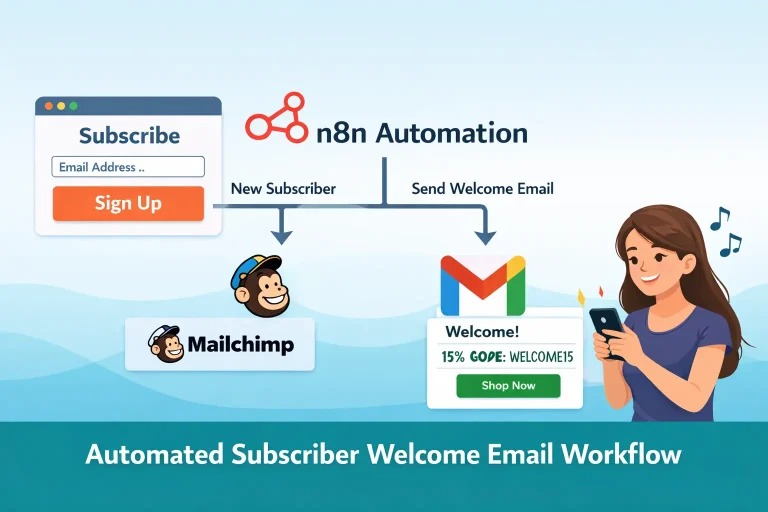
Subscriber Welcome Email Mailchimp Gmail Workflow Template
Add new signups to Mailchimp and send a branded welcome email with a discount code as soon as the form is submitted.
View Template