
Zapier Pricing in 2026: Plans, Tasks, and True Cost
A buyer-focused breakdown of Zapier pricing, including plan tiers, task logic, and when the platform becomes expensive.
This guide explains Zapier pricing in 2026 and where the true cost comes from once workflows move beyond simple automations. It is written for readers comparing Zapier with other workflow builders on value, not just brand familiarity.
Related Tools



Details
Zapier pricing is easy to start with and expensive to scale. That is the honest summary. The free tier is useful for testing, and the entry paid tier is still reasonable for solo operators. But once workflows become multi-step, team-owned, or high-volume, task-based pricing becomes the main thing you are buying around.
Zapier still makes sense when ease of use, app breadth, and low setup friction matter more than raw cost efficiency. If you want the quickest path to reliable automation across mainstream SaaS tools, Zapier remains one of the easiest products to justify. If you care most about cost per workflow at scale, the story gets harder.
What Zapier pricing looks like in 2026
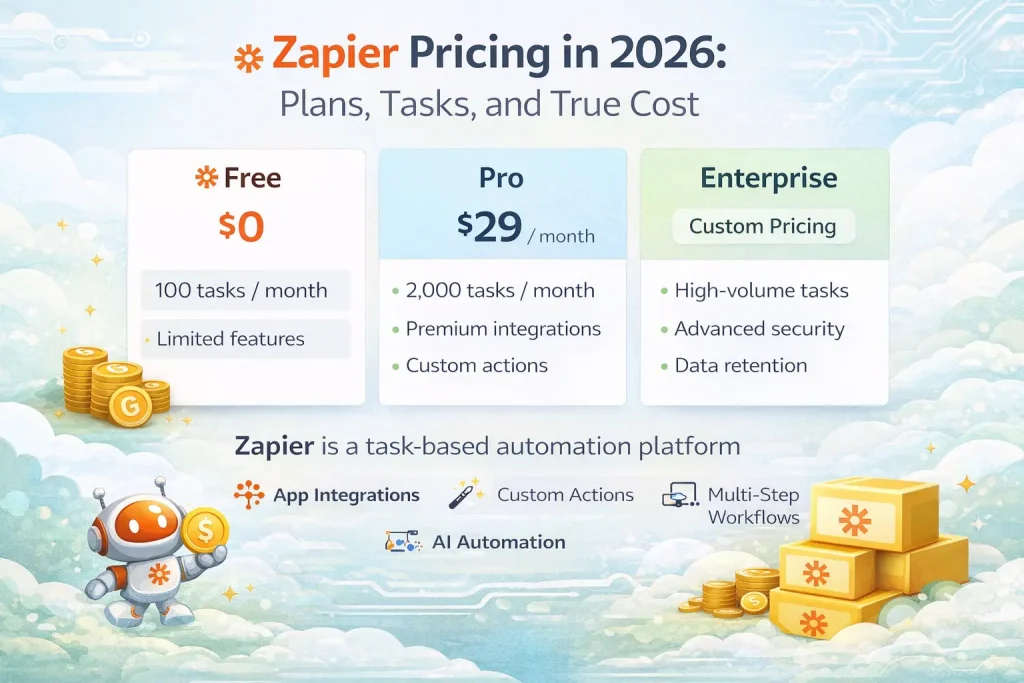
Zapier’s public pricing page currently shows a Free plan with 100 tasks per month. Professional starts at $19.99 per month when billed annually. Team starts at $69 per month when billed annually. Enterprise is custom priced. Zapier also offers a 14-day Professional trial when you create a new account. The important point is that plans scale by task tier, so the starting price is only one part of the total bill.
Who this guide is for
This guide is for buyers trying to decide whether Zapier is still worth paying for in 2026, especially compared with Make, n8n, Relay, and other workflow tools. It is most useful for teams that value app coverage and simplicity but want a clearer picture of the real cost.
How Zapier pricing works
| Pricing factor | What it means | Why it matters |
|---|---|---|
| Tasks | Every completed action in a workflow consumes tasks. | Multi-step workflows become expensive faster than beginners expect. |
| Plan tier | Professional, Team, and Enterprise unlock advanced workflow and collaboration features. | Feature needs can push you up-tier before usage does. |
| Task tier | Each plan scales across different task limits. | The base price is not the full pricing story. |
| Collaboration | Shared workspaces, users, and admin features sit on higher tiers. | Teams often outgrow solo pricing quickly. |
Plan-by-plan breakdown
Free
The Free plan is useful for light testing and very simple automations. It is not a serious production plan for most teams. One hundred tasks per month disappears quickly once a workflow actually solves a recurring business process.
Professional
Professional is the default paid plan for most individuals and small teams. It unlocks multi-step Zaps, webhooks, premium apps, AI fields, and stronger support. For common SaaS automation use cases, this is the plan where Zapier becomes truly useful.
The tradeoff is that task-based billing still governs the economics. You are buying convenience and coverage, not cheap scale.
Team
Team is the practical option once workflows need shared ownership, shared connections, and collaboration. Zapier’s Team plan includes shared Zaps and folders, shared app connections, SAML SSO, and Premier Support. Many businesses hit this need before they hit extreme task volume.
Enterprise
Enterprise is for organizations that need governance, advanced admin controls, deployment support, and higher-touch success management. It is less about raw automation volume and more about control, policy, and rollout quality.
What actually drives cost
The biggest cost driver is workflow depth. A two-step automation consumes tasks slowly. A multi-step automation with branching, formatting, enrichment, and notifications burns through tasks much faster. That means simple use cases stay affordable while more serious automation programs often become expensive sooner than expected.
The second cost driver is frequency. A workflow that runs once a day is not the same budget problem as one that runs on every lead, ticket, order, or inbound email. Zapier is easiest to justify when the workflow is important and not too high-volume.
When Zapier pricing is worth it
- You want the fastest setup across mainstream business apps.
- You care more about ease of use and ecosystem breadth than about the lowest cost per workflow.
- You need a platform non-technical teams can adopt quickly.
- Your workflows are valuable enough that convenience beats optimization.
When Zapier pricing becomes hard to justify
- You run high-volume, multi-step workflows.
- You want deeper technical control or self-hosting.
- You are optimizing for predictable cost at larger automation scale.
- You have a technical team that can own a more flexible platform.
Common buying mistakes
The first mistake is pricing Zapier based on the starting plan only. The real price depends on the task tier you actually need. The second is ignoring how many tasks a multi-step workflow uses. The third is assuming templates solve the cost issue. Templates reduce setup time, but every action in the final workflow still consumes tasks.
FAQ
Is Zapier free?
Yes, but the free tier is mainly useful for light testing and very simple automations.
What is the main hidden cost in Zapier?
The hidden cost is not hidden in the billing model itself. It is in how fast tasks accumulate once workflows become multi-step and high-frequency.
Is Zapier still worth it in 2026?
Yes, if you value ease of use, premium app breadth, and fast implementation. It is less compelling if cost efficiency at scale is your main priority.
Bottom line
Zapier pricing still makes sense for teams that want speed, simplicity, and access to a very broad app ecosystem. It becomes expensive when workflows get larger, deeper, or more frequent. If you are evaluating Zapier seriously, model the task usage of your top three production workflows before you commit to a tier. That is where the true cost shows up.
Related Guides
Workato Pricing in 2026: What It Really Costs
This guide explains how Workato pricing works in 2026 and what enterprise buyers are actually paying for beyond the surface-level contract. It is designed...
Read Guide
Pipedream vs n8n: Which Workflow Builder Fits Better?
This guide compares Pipedream and n8n for technical workflow teams, with a focus on developer experience, visibility, self-hosting, integrations, and pricing logic. It is...
Read Guide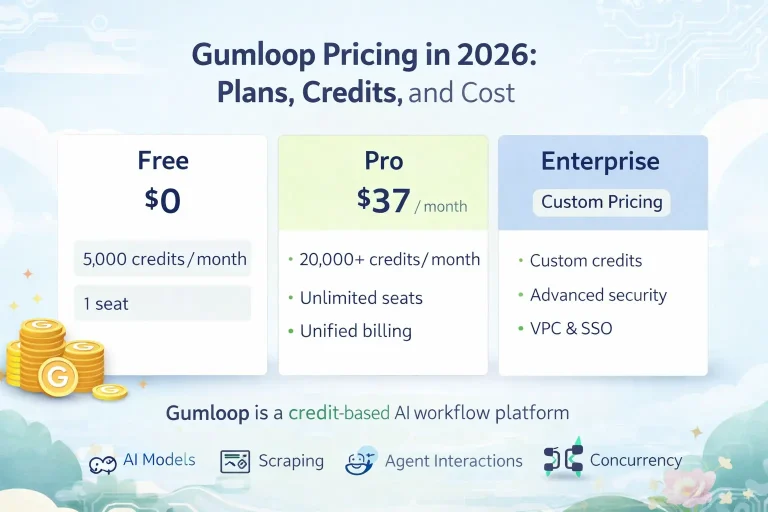
Gumloop Pricing in 2026: Plans, Credits, and Cost
This guide explains Gumloop pricing in 2026, including plans, credits, concurrency, and where real workflow cost shows up after testing ends. It is written...
Read Guide