
What Is the n8n MCP Server?
A plain-language explanation of what the n8n MCP server is and how it exposes workflows as tools for AI clients.
This guide explains the n8n MCP server in practical terms, including how it works, what it is for, and where it fits in an agent workflow stack.
Related Tools

Details
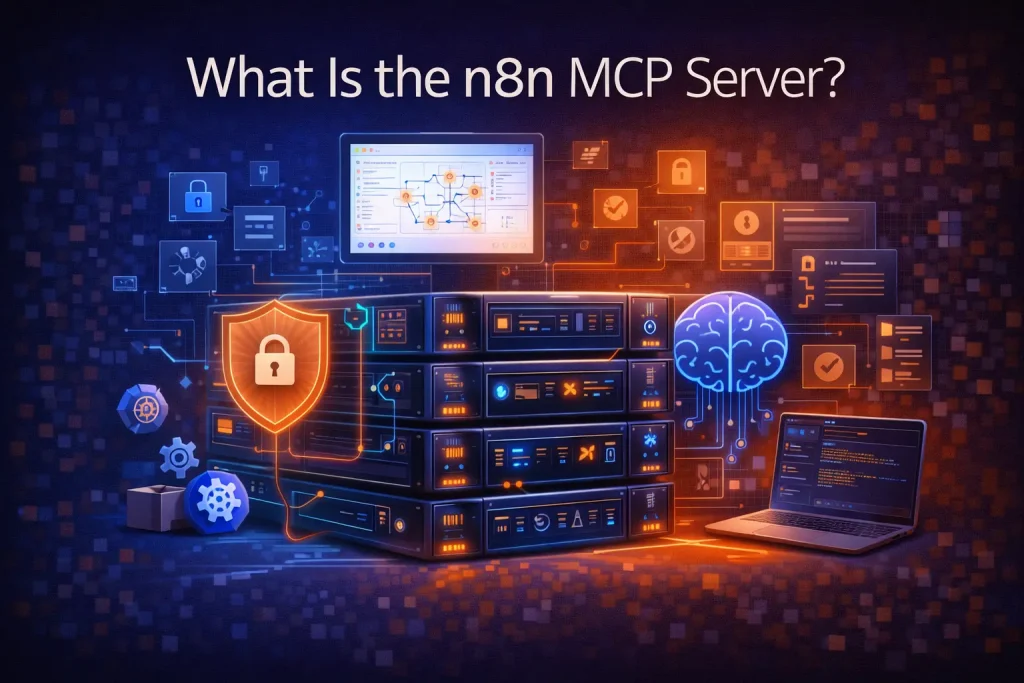
The n8n MCP server is the part of n8n that lets Model Context Protocol clients connect to selected n8n workflows as tools. In practice, that means an AI client can discover an exposed workflow, understand the inputs it needs, trigger it, and retrieve the result through n8n instead of calling each backend service directly.
This matters because it turns n8n from a workflow builder into a tool-serving layer for agents. Instead of wiring every API or business action into an assistant separately, you can expose a workflow that already contains the necessary steps, guardrails, and system connections.
What it does in practice
When n8n acts as an MCP server, an MCP client can search eligible workflows, read metadata about them, and execute them with text-based inputs. The workflow then runs inside n8n as a normal execution, which means your existing nodes, branching logic, credentials, and downstream actions still apply.
That is an important difference from exposing raw APIs. The MCP client does not need to know every internal step. It calls an outcome-oriented workflow, and n8n handles the orchestration.
How it works
- You enable MCP access in n8n and configure authentication.
- Specific workflows are marked as available through MCP.
- An MCP client such as Claude Desktop or another compatible client connects to the n8n instance.
- The client discovers workflow metadata and required inputs.
- The client triggers the workflow and receives the result after execution completes.
Who should care about it
- Teams using n8n as the action layer behind assistants or agent workflows
- Builders who want to expose business workflows as tools without hand-coding each integration twice
- Teams that want stronger control than ad hoc agent tool wiring usually provides
How it is different from standard n8n automation
A normal n8n workflow runs from its own trigger, such as a webhook, schedule, database change, or app event. The MCP server path adds a new access pattern: a client can invoke the workflow as a tool in an agent context.
That does not replace the rest of n8n. It extends it. The workflow can still contain deterministic logic, API calls, approvals, and output formatting. The difference is how the workflow is discovered and invoked.
What it is not
- It is not a replacement for workflow design. You still need to build sensible workflows.
- It is not a fully autonomous agent system by itself.
- It is not ideal for workflows that depend on binary inputs or complex human-in-the-loop interactions during the MCP-triggered run.
Common use cases
- Expose internal research workflows to an assistant
- Let an AI client trigger lead enrichment or account lookup flows
- Provide a tool for generating structured internal reports
- Wrap multi-step business actions behind a single agent-callable interface
Limitations and caveats
The quality of the result depends on the quality of the workflow you expose. Poor descriptions, unclear expected inputs, or weak validation make agent use worse, not better.
There are also product-level limits to keep in mind. MCP-triggered executions have constraints, and some workflow patterns are a better fit than others. Outcome-oriented flows usually work better than highly interactive ones.
When templates help
Templates help when you want a repeatable pattern for exposing common workflows such as research, reporting, or calendar actions. They save time on structure. They do not remove the need to define inputs, access policy, descriptions, and result format clearly.
FAQ
Do I need MCP to use AI in n8n?
No. You can build AI workflows in n8n without MCP. MCP matters when you want external AI clients to discover and call n8n workflows as tools.
Does MCP replace APIs?
No. It sits above them. n8n workflows may still call APIs internally, but MCP changes how an external client accesses the workflow.
Is the n8n MCP server useful for internal tools?
Yes, especially when you want an assistant or agent client to trigger structured internal actions rather than just answer questions.
Conclusion
The n8n MCP server is best understood as a bridge between agents and workflows. It lets n8n expose selected business workflows as callable tools, which is useful when you want AI systems to trigger reliable multi-step actions instead of only generating text.
Related Guides

What Is AI Automation? A Practical Definition for Workflow Teams
This guide explains what AI automation actually means for workflow teams, not just in theory but in day-to-day operations. It covers how AI automation...
Read Guide
What Is MCP for AI Workflows?
This guide explains MCP for AI workflows in practical terms, including how it changes tool access, where it fits, and what it does not...
Read Guide
What Is Microsoft Agent Framework?
This guide explains what Microsoft Agent Framework is, why it matters, and how it differs from automation tools and other agent frameworks.
Read Guide