
Pipedream Pricing Explained (2026): Credits, Limits, and Cost
A search-focused explanation of Pipedream pricing, including credit logic, usage limits, and what drives actual spend.
This guide breaks down how Pipedream pricing works in 2026 and why runtime, memory, and production volume matter more than step count. It is aimed at technical workflow buyers comparing Pipedream with no-code automation tools.
Related Tools



Details
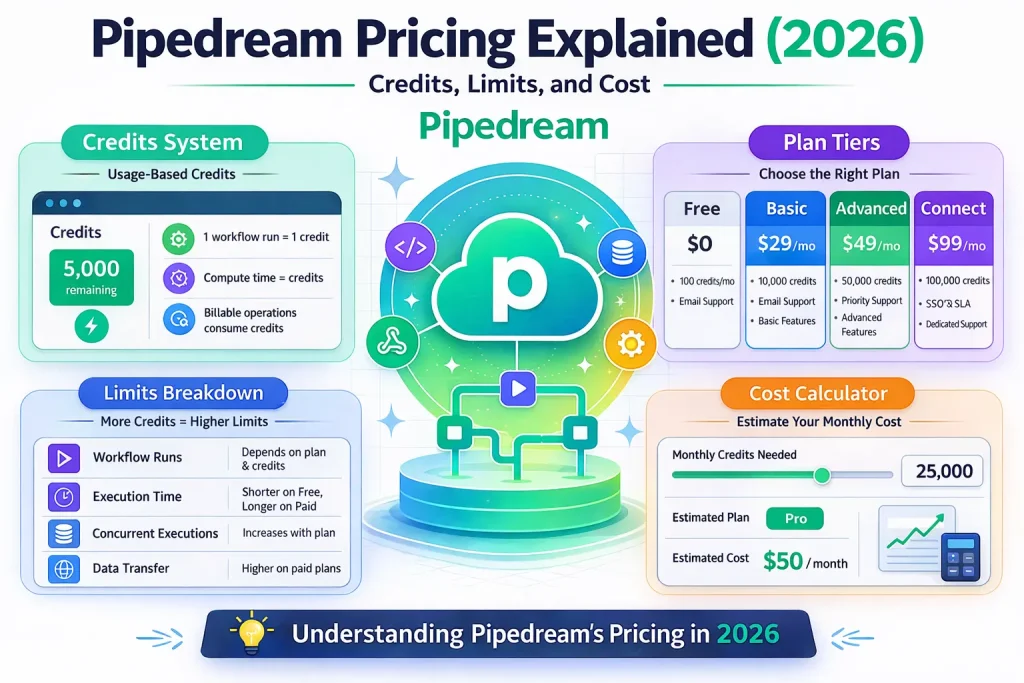
Pipedream pricing makes the most sense if you think of it as serverless workflow compute, not classic no-code automation pricing. The core idea is simple: you pay for credits based on execution time and memory, not by counting every workflow step. That makes Pipedream unusually attractive for technical builders who want long, code-heavy workflows without being penalized for canvas complexity.
The tradeoff is that Pipedream is less intuitive to budget than tools with obvious per-task or per-operation pricing. The real cost comes from runtime, memory configuration, and production usage patterns. If your team is comfortable estimating compute-style usage, Pipedream can be cost-effective. If you want a very predictable no-code budget, it can feel abstract.
What Pipedream pricing means in practice
Pipedream’s official docs describe workflow pricing as credit-based. One credit covers up to 30 seconds of execution at the default 256MB memory setting. Most executions use a single credit, regardless of how many steps are inside the workflow. Credits are not charged for development or testing. If you increase memory or run longer jobs, credit use rises proportionally.
That model creates a different buying question from Zapier, Make, or Relay. You are not asking, “How many actions will this workflow use?” You are asking, “How much compute will this workflow consume in production?” For API-heavy automation, data processing, and custom code steps, that can be a better fit.
Who this pricing guide is for
This guide is for people evaluating Pipedream as a workflow engine for internal tools, backend automations, API orchestration, webhook handling, or developer-friendly AI workflows. If you mostly want drag-and-drop business automations with minimal code, Pipedream may not be the easiest starting point. If you want JavaScript, Python, custom logic, and control over execution behavior, pricing will make more sense.
How the billing model works
| Pricing factor | How it works | Why it matters |
|---|---|---|
| Credits | 1 credit covers 30 seconds at 256MB memory. | Short runs are cheap; long-running jobs cost more. |
| Memory | More memory increases credit consumption proportionally. | High-memory workflows can cost more than expected. |
| Development vs production | Testing and builder development are not billed as usage. | Good for iteration; easier to refine before launch. |
| Platform fee | Paid plans include a platform fee with included credits. | The base subscription is only part of the effective cost. |
| Overages | Additional credits are billed beyond the included amount. | Heavy production traffic can move cost quickly. |
Why Pipedream pricing feels different
Most automation tools train buyers to count tasks, operations, or steps. Pipedream pushes you toward compute economics instead. A ten-step workflow that finishes quickly can be cheaper than a short-looking workflow that waits on external APIs, processes large payloads, or runs with elevated memory. That is why “actual cost” is the right framing for Pipedream: architecture matters more than workflow length.
Where Pipedream is usually cost-effective
API-heavy workflows
If your workflow makes several HTTP requests, transforms data in code, and posts one final result, Pipedream can compare favorably against platforms that charge per action. You are paying for runtime, not for every branch and step on the canvas.
Developer-owned automations
Pipedream is a strong fit when the builder is comfortable thinking like a developer. Workflows that include custom components, scripts, and environment variables often benefit from Pipedream’s model because you can do more in one execution.
Testing and iteration
Because development and testing do not consume credits, teams can refine logic without worrying about burning their quota while they debug payloads and edge cases.
Where Pipedream can get expensive
Long-running workflows
If a workflow regularly crosses the 30-second boundary, your credit usage can double, triple, or worse. Polling patterns, large batch jobs, or workflows waiting on several slow APIs need careful design.
High-memory jobs
Memory settings matter. The official docs note that a 1024MB workflow costs four times the credits of a 256MB workflow for the same runtime. That is a meaningful difference if you process files, AI outputs, or heavy payload transformations.
High-volume event traffic
Pipedream is not a “set a few zaps and forget it” product from a budgeting perspective. Once your production volume rises, you need to monitor execution patterns the same way you would watch usage in a cloud platform.
How to estimate actual monthly cost
- List each production workflow and its expected monthly run count.
- Estimate typical runtime per execution, not just happy-path runtime.
- Check memory settings for each workflow.
- Identify workflows that use delays, long polling, or heavy code steps.
- Separate development traffic from production traffic so you do not overestimate.
A simple webhook-to-API-to-database workflow may stay near one credit per run. A batch enrichment workflow with multiple external calls, retries, and larger memory can behave very differently. That is the gap between headline pricing and actual cost.
What beginners often get wrong
The most common mistake is evaluating Pipedream with a step-count mindset. That leads to bad comparisons with Make or Zapier. The second mistake is ignoring memory. The third is assuming that a workflow which is cheap in testing will stay cheap at scale. Production traffic exposes slow endpoints, retries, and queue behavior that do not show up in a few sample runs.
When a template helps
Templates and starter workflows can shorten setup time, especially for common webhook, Slack, CRM, or AI patterns. They do not eliminate the need to tune runtime and memory. On Pipedream, cloning a workflow is the easy part; understanding how it behaves under production volume is the real implementation work.
FAQ
Does Pipedream charge per step?
No. The official pricing docs say most workflow executions use a single credit regardless of the number of steps, as long as the execution stays within the time and memory limits for that credit.
What is the biggest hidden cost driver?
Usually runtime, followed by memory. Slow external APIs, long waits, and heavy processing raise usage faster than most first-time buyers expect.
Is Pipedream good for non-technical teams?
It can work when a technical owner builds the workflows, but it is not the easiest platform for business users who want to stay mostly inside a no-code interface.
Bottom line
Pipedream pricing is best understood as workflow compute pricing. That makes it appealing for technical teams, backend automations, and API-first workflows where step-based tools become inefficient. It is less attractive if you want the most predictable budget or the easiest path for non-technical builders. The right buying move is to estimate runtime and memory for your top three workflows, not just compare plan pages.
Official sources to verify before publishing: pipedream.com/docs/pricing, pipedream.com/docs/pricing/faq, pipedream.com/pricing.
Related Guides

Workato Pricing in 2026: What It Really Costs
This guide explains how Workato pricing works in 2026 and what enterprise buyers are actually paying for beyond the surface-level contract. It is designed...
Read Guide
Zapier Pricing in 2026: Plans, Tasks, and True Cost
This guide explains Zapier pricing in 2026 and where the true cost comes from once workflows move beyond simple automations. It is written for...
Read Guide
Pipedream vs n8n: Which Workflow Builder Fits Better?
This guide compares Pipedream and n8n for technical workflow teams, with a focus on developer experience, visibility, self-hosting, integrations, and pricing logic. It is...
Read Guide