
n8n vs Make: Which One Is Better for Modern Workflows?
A practical comparison of n8n and Make for teams choosing between visual no-code automation and more extensible workflow control.
This guide compares n8n and Make across ease of use, workflow flexibility, pricing logic, AI use cases, and self-hosting so you can choose the better fit.
Related Tools


Details
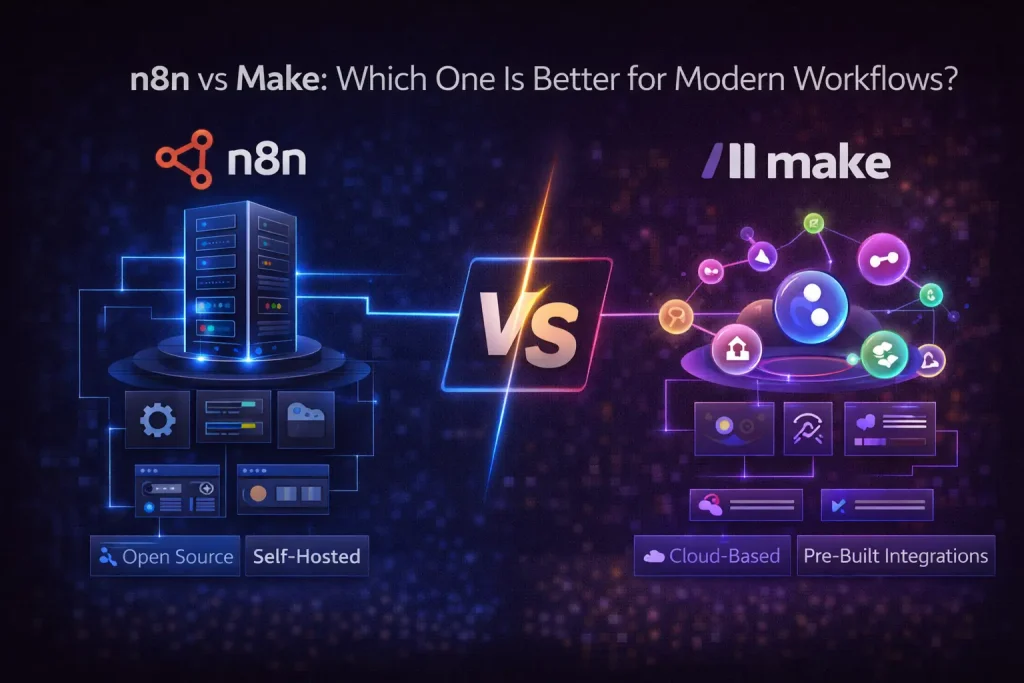
n8n is usually the better choice if you want self-hosting, stronger control over logic, and a platform that can stretch from automation into AI agents and internal tooling. Make is usually the better choice if you want a polished visual builder, detailed scenario design, and a lower-friction experience for building sophisticated no-code automations without managing infrastructure.
The main difference is that both tools can handle complex workflows, but they come from different instincts. Make is a visual automation platform built around scenario design and modular flow control. n8n is closer to a workflow engine with stronger technical flexibility, better self-hosting fit, and a product direction that increasingly emphasizes AI and agent workflows.
What each platform is
n8n is a fair-code automation platform available as a hosted service or self-hosted deployment. It is especially useful when workflows interact with internal APIs, databases, custom endpoints, and AI-driven logic that needs more than a standard no-code sequence.
Make is a visual automation platform known for its scenario builder, routing control, and strong appeal to operators who want rich no-code workflow construction. Since 2025, Make has shifted its billing language from operations to credits, which matters when evaluating cost at scale, especially around AI usage.
Quick comparison table
| Tool | Best for | Main strength | Main limitation | Skill level |
|---|---|---|---|---|
| n8n | Self-hosted teams, API-heavy logic, AI workflows | Control, extensibility, self-hosting, execution-based pricing | More technical setup and less visual polish for some users | Intermediate |
| Make | No-code builders needing detailed visual scenarios | Visual design, routing, usability for complex no-code flows | Credit model can be harder to forecast and self-hosting is not the core path | Beginner to Intermediate |
Ease of use
Make is often easier for teams that think visually and want to see every route, module, and data path directly in the scenario canvas. It is one of the best no-code tools for people who want more than Zapier but do not want to move into a more developer-oriented product.
n8n is still visual, but it feels more builder-oriented than pure no-code. Once you need expressions, custom requests, data reshaping, or local deployment, n8n becomes more natural. For teams that live closer to operations engineering than business automation, that usually becomes an advantage rather than a burden.
Flexibility and customization
n8n wins on raw flexibility. It is better for calling internal services, handling custom authentication patterns, mixing API work with database logic, and treating workflows as part of a broader technical stack. If your automation has to touch internal tools, self-hosted AI services, or private infrastructure, n8n is usually the more credible foundation.
Make is still flexible in practical no-code terms. It supports routers, conditions, scheduling, parsing, and large numbers of connectors well. But it is strongest when the workflow remains inside the product’s intended patterns, not when you want to treat the automation platform as an extension of your application layer.
Integrations and ecosystem
Both platforms have broad integration coverage. Make has long been popular for visually orchestrating SaaS tools and data flows. n8n covers many important integrations as well, but where it stands out is the way native nodes combine with direct HTTP requests and code-friendly patterns.
If your team mostly automates mainstream cloud applications, both are viable. If your automations have to connect external SaaS with internal APIs, private databases, or custom services, n8n usually has the cleaner long-term fit.
Pricing logic
n8n Cloud pricing is based on workflow executions. Make now bills in credits, with some features using fixed consumption and some AI-related features using dynamic credit usage. Neither model is inherently better in all cases, but they behave differently under load.
n8n tends to be easier to reason about when workflows are deep. Make can be cost-effective, especially for teams that like its design model, but the credit system adds another variable to planning. That matters if your workflows involve frequent runs, multiple routes, or AI features with variable consumption.
AI workflows and agents
n8n has the stronger current narrative around AI agents. It has an AI Agent node, official AI agent marketing, and documentation around MCP server access and AI-oriented workflow construction. That does not automatically make it the best platform for every agent architecture, but it does make n8n more attractive for teams building operational AI systems rather than just adding isolated model calls into automations.
Make can still be part of AI workflows and is perfectly capable of chaining AI services, but its differentiation is not centered as strongly on agent orchestration and self-hosted AI automation.
Best fit by use case
Choose n8n when:
- You want self-hosting or tighter infrastructure control.
- You need workflows that interact with internal systems and private APIs.
- You expect AI-heavy processes, agent-like patterns, or internal operations tooling.
- You prefer execution-based pricing for deeper workflows.
Choose Make when:
- You want one of the best visual builders in automation.
- You need sophisticated no-code flows but do not want to manage infrastructure.
- You value route visualization and scenario design more than technical extensibility.
- You are building mostly across SaaS tools rather than internal systems.
Tradeoffs and common mistakes
The biggest mistake is treating this as a simple beginner-versus-advanced comparison. Make is not just a beginner tool. It is a serious platform for complex no-code work. The real question is whether your complexity is mostly business-process complexity inside SaaS tools, or technical complexity that reaches into APIs, private systems, and AI orchestration.
The second mistake is overestimating how much a template solves. On either platform, a template can save time on structure, routing, and initial node setup. It will not solve your field mapping, credential scope, validation logic, or error-handling design.
FAQ
Is n8n better than Make?
It is better for self-hosting, technical flexibility, and AI-oriented automation. Make is often better for rich no-code scenario design.
Is Make easier than n8n?
For many no-code users, yes. Make’s visual builder is one of its clearest advantages.
Which one is better for internal tools?
n8n is usually the stronger choice when internal APIs, databases, or private systems are central to the workflow.
Which one is better for non-technical users?
Make is usually friendlier if the workflows are mostly SaaS-based and do not require infrastructure control.
Conclusion
Pick Make when you want high-quality visual automation without owning infrastructure. Pick n8n when automation is becoming part of your technical stack and you need more control than a visual SaaS platform usually provides. Both can build sophisticated workflows, but n8n has the stronger fit for self-hosted and AI-forward automation programs.
Related Guides
Workato Pricing in 2026: What It Really Costs
This guide explains how Workato pricing works in 2026 and what enterprise buyers are actually paying for beyond the surface-level contract. It is designed...
Read Guide
Zapier Pricing in 2026: Plans, Tasks, and True Cost
This guide explains Zapier pricing in 2026 and where the true cost comes from once workflows move beyond simple automations. It is written for...
Read Guide
Pipedream vs n8n: Which Workflow Builder Fits Better?
This guide compares Pipedream and n8n for technical workflow teams, with a focus on developer experience, visibility, self-hosting, integrations, and pricing logic. It is...
Read Guide