
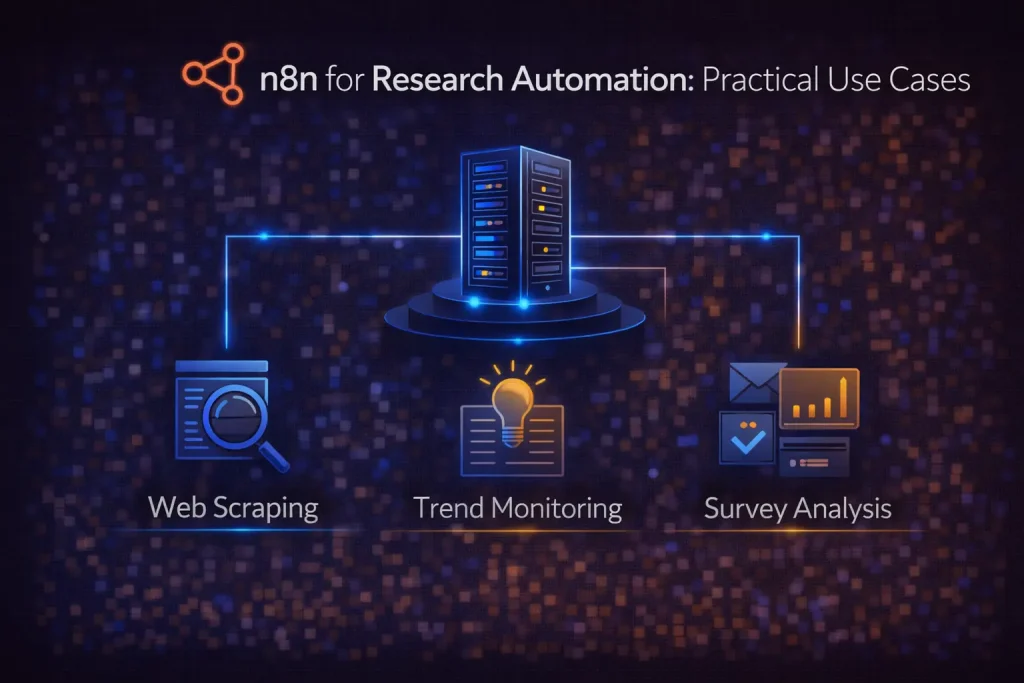
n8n for Research Automation: Practical Use Cases
A practical guide to using n8n for research collection, summarization, classification, and structured reporting.
This guide explains how n8n fits research automation, what workflows work best, and how to turn source collection into outputs teams can actually use.
Related Tools

Details
n8n is a strong fit for research automation when the job involves collecting information from several sources, cleaning it, structuring it, and delivering the result somewhere useful. That includes market scans, company research, news monitoring, competitive tracking, content research, and internal reporting workflows. It is less useful when the main challenge is advanced reasoning with long-lived agent state rather than source collection and orchestration.
Research work is messy by default. Inputs come from websites, feeds, APIs, documents, spreadsheets, and internal notes. Outputs need to be summarized, categorized, deduplicated, scored, and sent to the right place. That shape matches n8n well because it combines triggers, HTTP/API access, AI steps, branching logic, and multi-destination outputs in one workflow.
What research automation usually means in n8n
In practice, a research automation workflow in n8n usually starts with one of three triggers: a schedule, a new record in a source system, or a manual trigger for an analyst or operator. From there, the workflow gathers material, extracts useful fields, calls AI steps if needed, and writes the final result to a workspace such as Notion, Google Sheets, Slack, email, or an internal dashboard.
Who this workflow approach is for
This approach fits founders doing account and market research, growth teams monitoring competitors or accounts, content teams building source-driven briefs, and operations teams that want structured digests rather than unorganized reading lists. It is especially useful when research must end in a reusable output, not just a pile of raw links.
Typical research workflow structure
| Layer | Examples | What to watch |
|---|---|---|
| Source intake | RSS, search APIs, websites, spreadsheets, docs | Source quality and duplicate collection |
| Extraction | Pull title, URL, company, date, text, metadata | Formatting inconsistency |
| Filtering | Keyword rules, relevance checks, exclusions | Over-filtering useful items |
| AI processing | Summaries, classifications, tags, scoring | Model drift and hallucinated labels |
| Output | Notion pages, Google Sheets rows, Slack digest, email report | Output structure must match downstream use |
Best n8n research automation use cases
Competitive monitoring
Track target companies, products, or categories across news sources, websites, and feeds. n8n can collect updates on a schedule, deduplicate results, summarize them, classify by theme, and send a digest to Slack or Notion. This is one of the cleanest use cases because the sources are repeatable and the outputs can be standardized.
Account research for sales
A workflow can take a company list or inbound lead record, pull company and web data, summarize context, tag likely use cases, and deliver a clean briefing document for outreach. This works particularly well when you want structured preparation rather than open-ended research notes.
Content research and brief generation
n8n can gather source material around a topic, cluster or classify findings, generate a summary, and create a draft brief in a workspace. This is useful when you want writers or editors to start from organized evidence instead of blank pages.
Internal reporting digests
Research automation is not always external. n8n can collect internal records, metrics, issue lists, or updates from several tools and package them into a briefing email or dashboard-ready sheet. This is often more valuable than broad web research because the sources are known and the decision use case is clearer.
Why n8n works well here
n8n is good at connecting the non-research parts of research. It can pull source material, transform it, branch on conditions, call an AI model for structured summaries or tags, and deliver the result where the team already works. Many research stacks fail because they stop at collection. n8n is more useful when it finishes the operational handoff.
It is also a good fit when different source types must be blended. A single workflow can combine APIs, webpage fetches, spreadsheets, and internal records without forcing the team to use separate niche tools for each step.
Where n8n is not enough by itself
n8n is not a research methodology. It cannot decide whether your source selection is biased, whether the model summary missed the key point, or whether two items that look similar are actually materially different. Human validation still matters, especially for strategic research.
It is also not the best answer when the hard problem is agentic reasoning over long sessions with durable state and custom decision loops. In those cases, n8n may still handle orchestration around the edges, but it may not be the core research architecture.
What to configure carefully
- Deduplication logic, especially when sources overlap.
- Output schema, so summaries and tags remain useful downstream.
- Prompt instructions for summaries and classifications.
- Fallback paths for empty pages, failed fetches, or rate limits.
- Human review points before a digest or report is treated as final.
Where templates help
Templates are helpful for intake, scheduling, AI summarization, and final delivery structure. They let you avoid rebuilding common nodes such as fetch, parse, summarize, and send. That is especially useful for recurring research formats like weekly digests or account briefs.
Templates are less helpful when your source mix, classification taxonomy, or output structure is highly specific. Those are the parts that determine whether research automation is actually useful or just automated noise.
Common mistakes
A common mistake is collecting too many sources before deciding what the output should look like. Another is trusting model-generated summaries without a validation path. A third is forgetting that the workflow should end in a decision-ready format, not just raw findings.
FAQ
Is n8n good for research automation?
Yes, especially for source collection, AI-assisted summarization, classification, and structured delivery across several tools.
Can n8n replace deep research tools?
It can handle many practical research workflows, but not every advanced research architecture. For long-running agentic reasoning, a code-first framework may still be better.
What is the best output for research automation?
The best output is the one your team can act on: a clean sheet, a digest, a Notion page, or a briefing document with consistent fields.
Should I use AI for every step?
No. Use AI where summarization, tagging, or classification creates value. Do not add model calls to steps that can be handled more reliably with rules.
Conclusion
n8n is a strong research automation platform when the goal is to turn scattered inputs into structured outputs that teams can actually use. It is most effective for competitive monitoring, account research, content briefs, and internal reporting digests. The real value is not automated collection alone. It is reliable orchestration from intake to delivery.
Related Templates
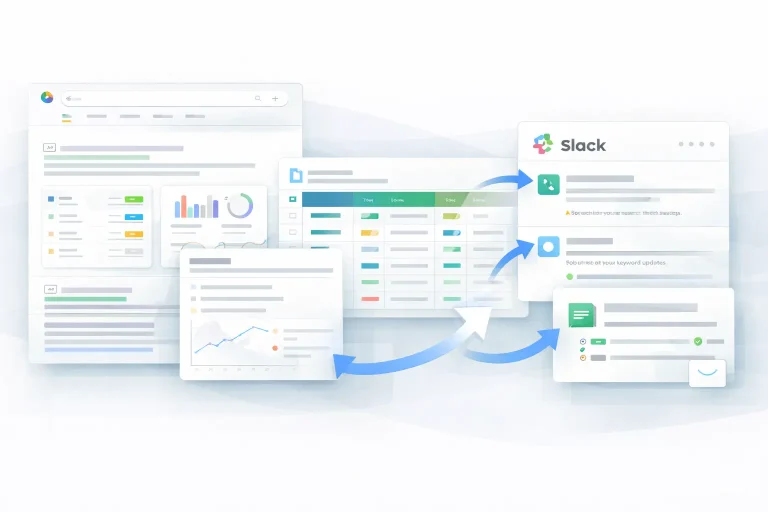
Research Automation Slack Workflow Template
This workflow automates research automation and keeps the output in sync across the tools used in the process.
View Template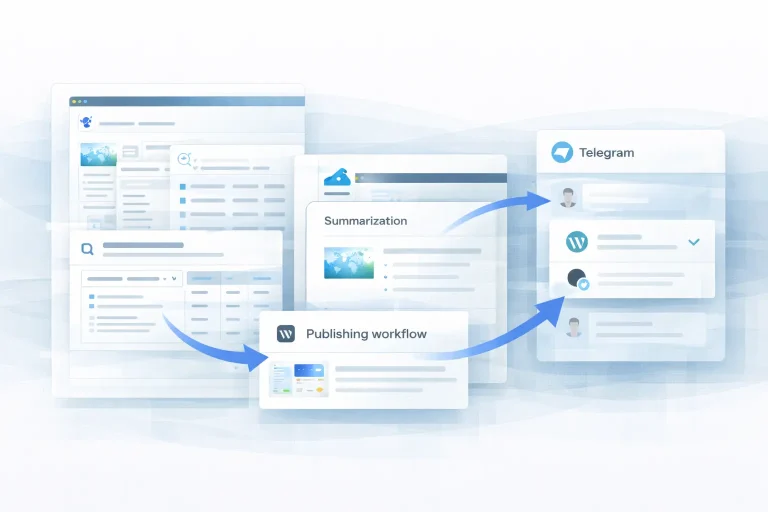
Research Automation WordPress Workflow Template
This workflow automates research automation and keeps the output in sync across the tools used in the process.
View Template
Research Automation n8n Workflow Template
This workflow automates research automation and keeps the output in sync across the tools used in the process.
View Template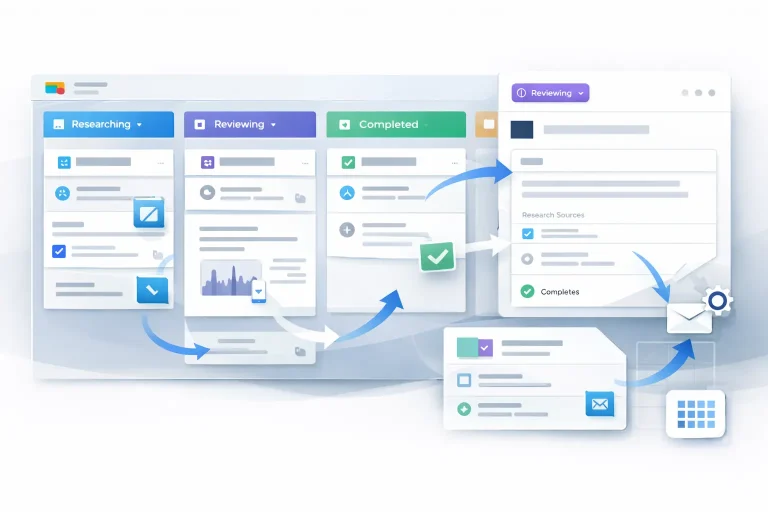
Research Workflow Automation Airtable Workflow Template
This workflow automates research workflow automation and keeps the output in sync across the tools used in the process.
View Template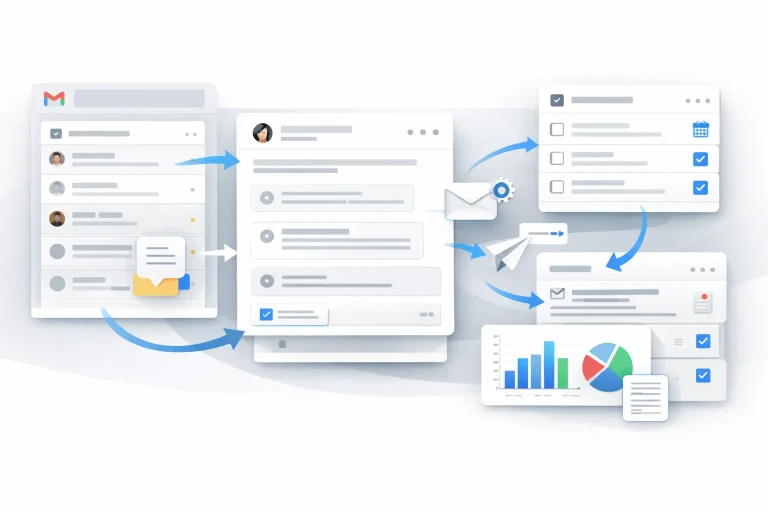
Research Workflow Automation Gmail Workflow Template
This workflow automates research workflow automation and keeps the output in sync across the tools used in the process.
View Template
Research Workflow Automation Google Drive Workflow Template
This workflow automates research workflow automation and keeps the output in sync across the tools used in the process.
View Template
Research Workflow Automation Google Sheets Workflow Template
This workflow automates research workflow automation and keeps the output in sync across the tools used in the process.
View TemplateRelated Guides
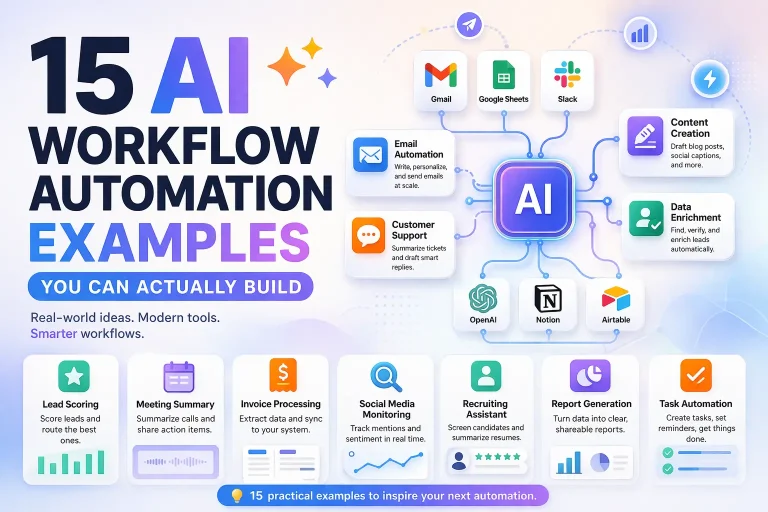
15 AI Workflow Automation Examples You Can Actually Build
This guide covers concrete AI workflow automation examples that teams can actually implement with tools like n8n, Make, Relay.app, Gumloop, or Pipedream. The goal...
Read Guide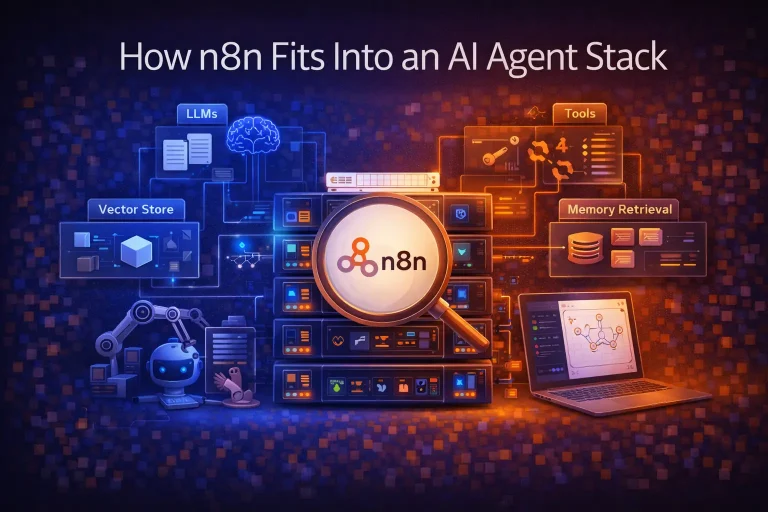
How n8n Fits Into an AI Agent Stack
This guide explains how n8n fits into modern AI agent systems, especially when agents need to call tools, run workflows, and interact with business...
Read Guide
n8n for Operations: Where It Fits and What It Automates Best
This guide explains where n8n fits in operations work, what it automates well, and what teams need in place before building production workflows.
Read Guide