
n8n for Operations: Where It Fits and What It Automates Best
A practical look at the operations workflows where n8n adds the most value and the limits teams should understand upfront.
This guide explains where n8n fits in operations work, what it automates well, and what teams need in place before building production workflows.
Related Tools

Details
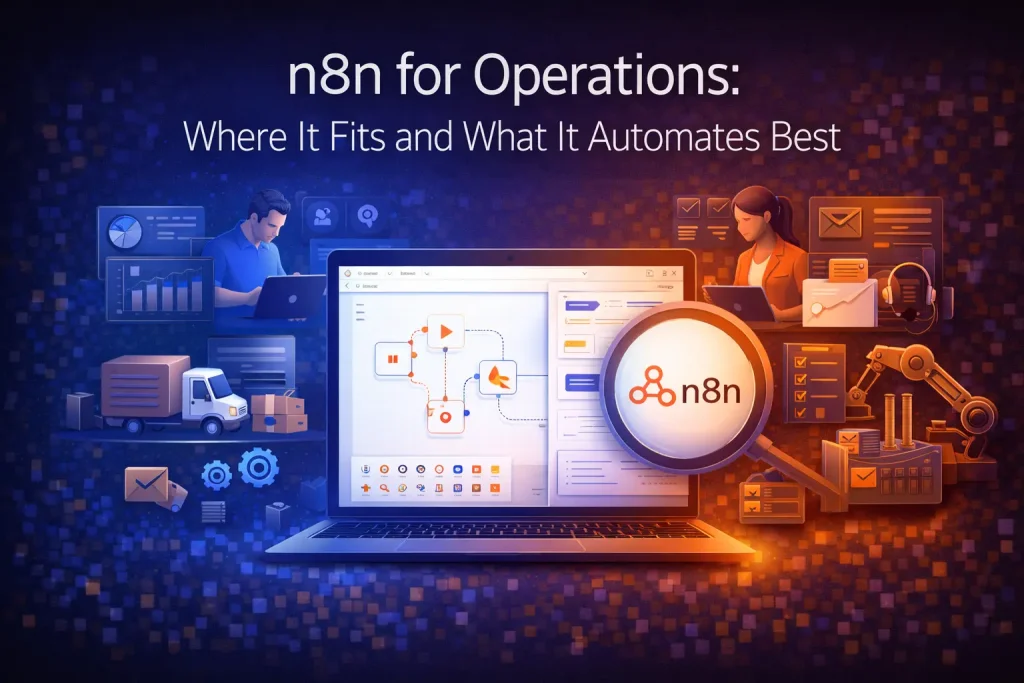
n8n is a strong fit for operations when the work involves moving records between systems, enforcing process logic, and adding approval or notification steps around recurring tasks. It is less useful when the process is mostly human judgment with little structured data or when the team wants a pure task manager rather than an automation runtime.
The most effective operations workflows in n8n are usually not flashy. They are request intake, approval routing, spreadsheet and database sync, recurring reports, vendor or client handoffs, internal alerts, and AI-assisted summaries that still end in a controlled business action.
What operations teams typically automate with n8n
- Request intake from forms, email, or chat
- Approval routing and status changes
- Record sync across Airtable, Sheets, CRMs, and databases
- Internal notifications and escalation rules
- Weekly or daily recap generation
- Document or ticket creation after a trigger event
- Lightweight AI steps such as classification or summarization
Why n8n works well for operations
Operations work often sits between systems rather than inside one system. A new row appears in a spreadsheet, a request arrives in an inbox, a CRM field changes, or a status update needs to notify multiple teams. n8n handles that cross-system logic well because it combines triggers, branching, data transforms, and API calls in one place.
It is also useful when the process needs explicit control. You can decide which step is automatic, which step requires review, and what should happen on failure.
Best operations workflow patterns
Intake and triage
A form submission or inbox event can become a structured request with category, owner, priority, and follow-up action. AI can help classify the input, but the workflow should still apply deterministic routing rules.
Approval-based handoffs
When requests require manager sign-off, compliance review, or budget confirmation, n8n can move the item to the next stage, send notifications, and update the source of truth once a decision is made.
System sync and data hygiene
Operations teams often spend time reconciling spreadsheets, CRMs, databases, and project tools. n8n is effective when the workflow needs mapping, cleaning, deduplication checks, and conditional updates rather than a simple one-way sync.
Reporting and recap
n8n can collect metrics from multiple tools and produce a daily or weekly summary. The workflow is usually more important than the summary itself because it decides which sources count, how the numbers are normalized, and where the result is delivered.
What you need before you build
- A clear source of truth for each key record
- A defined owner for each workflow after launch
- Rules for duplicates, approvals, and failure handling
- A small test dataset before connecting live operations
- Agreement on which steps are deterministic and which can use AI
Where templates help
Templates help a lot for common operations patterns because they shorten the path from blank canvas to working flow. They are especially useful for form-to-sheet, request routing, recap generation, and internal notifications.
What templates do not solve is process ambiguity. If approval ownership, data mapping, or exception rules are unclear, the workflow will still fail in production even if the import was easy.
Common mistakes
- Automating a messy process before defining ownership and exceptions.
- Using AI to classify requests without creating a stable category system.
- Syncing multiple tools without deciding which system is authoritative.
- Launching without tests for duplicates, retries, and bad input formatting.
FAQ
Is n8n good for nontechnical operations teams?
It can be, but results improve when a technical operator or builder owns the initial setup and change control.
Can n8n replace an ops platform?
Usually no. It is better seen as an automation and orchestration layer that connects the systems your ops team already uses.
What is the best first operations workflow to build?
Start with a repetitive, measurable workflow such as intake routing, approval handoff, or recurring reporting. Those usually show value fastest.
Conclusion
n8n is most useful for operations when the team needs a system that can enforce process logic across tools. Start with one recurring workflow that has clear inputs, a defined owner, and an output that matters to the business.
Related Guides

15 AI Workflow Automation Examples You Can Actually Build
This guide covers concrete AI workflow automation examples that teams can actually implement with tools like n8n, Make, Relay.app, Gumloop, or Pipedream. The goal...
Read Guide
How n8n Fits Into an AI Agent Stack
This guide explains how n8n fits into modern AI agent systems, especially when agents need to call tools, run workflows, and interact with business...
Read Guide
Is n8n Worth It? A Practical Review for AI and Automation Teams
This guide evaluates whether n8n is worth it for modern automation and AI workflow teams. It focuses on workflow depth, ownership, deployment flexibility, and...
Read Guide