
MiniMax Office Skills vs Traditional Document Automation
MiniMax is stronger when document structure and iterative edits matter, while traditional document automation remains better for fixed rules, approvals, and predictable output paths.
This guide compares MiniMax Office Skills with traditional document automation from an implementation perspective. It focuses on where AI-native document handling adds value, and where deterministic automation is still the safer choice.

Related Tools
Details
MiniMax Office Skills and traditional document automation solve different parts of the document workflow stack. If your process is fixed, rule-based, and mostly about moving approved data into a known template, traditional document automation is usually the better choice. If the hard part is interpreting source material, making content decisions, revising an existing file, and still producing a usable Word, Excel, or PowerPoint output, MiniMax is the more interesting option.
The main difference is simple. Traditional document automation is deterministic. It fills templates, merges fields, routes files for approval, and enforces process steps. MiniMax Office Skills are agentic. They are designed to work inside more open-ended office tasks where the system has to read, reason, draft, revise, and preserve the file as an editable deliverable.
What each approach is
MiniMax Office Skills
MiniMax’s office stack sits inside MiniMax Agent and related products such as MaxClaw. Public material describes Office Skills for Word, Excel, PowerPoint, and PDF-style document work, with an emphasis on format-aware editing, multi-round revisions, and deliverable outputs.
Traditional document automation
Traditional document automation covers template systems, mail merge platforms, document assembly tools, BPM workflows, and approval chains. These systems are usually strongest when the document structure is fixed and the main work is routing inputs into predefined fields or sections.
Quick comparison table
| Option | Best for | Main strength | Main limitation | Skill level |
|---|---|---|---|---|
| MiniMax Office Skills | AI-assisted research, editing, and deliverable office files | Handles open-ended document work and revisions | Needs review and is less deterministic | Intermediate |
| Traditional document automation | Stable templates, compliance-heavy output, approvals | Predictable and auditable process control | Weak at judgment-heavy content generation | Beginner to Intermediate |
Where MiniMax is better
MiniMax is better when the workflow requires judgment before the file is produced. Good examples include reading source documents, extracting the relevant evidence, drafting a report, updating an existing deck, or building a spreadsheet model from fresh material. In these cases the document is not just the output container. It is part of the actual work.
MiniMax is also better when iterative editing matters. Public MiniMax material repeatedly emphasizes multi-round revisions and high-fidelity file output. That is a real advantage over brittle automation stacks that can populate a template but struggle to safely revise one.
Where traditional automation is better
Traditional document automation is better when the structure is stable and the process needs to be tightly controlled. Examples include contract generation from approved clauses, invoice creation, offer letters, compliance forms, or internal documents with strict approval steps. In those cases you usually want rule enforcement, auditability, and consistent field mapping more than AI reasoning.
It is also better when you need guaranteed repeatability. A merge system that fills the same 20 variables every time is easier to validate than an agent that reads, reasons, and rewrites. If the goal is consistency over interpretation, deterministic automation wins.
Ease of use and setup burden
Traditional document automation is usually easier to operationalize for recurring forms and known templates. Once the schema, rules, and approvals are set up, the system tends to stay stable. MiniMax requires more judgment about prompting, templates, review, and where to place human checks. The upside is greater flexibility. The downside is a larger evaluation burden.
Flexibility and workflow depth
This is where the two options separate most clearly. Traditional automation handles “put known data into known places.” MiniMax can handle “read this material, decide what belongs in the document, shape it into the right format, then revise the output.” If your workflow includes interpretation and synthesis, MiniMax is closer to the real task. If your workflow is mostly routing and population, MiniMax may be unnecessary complexity.
Which one should you choose?
Choose MiniMax if
- The workflow depends on reading and interpreting source material.
- You need editable Word, Excel, or PowerPoint outputs, not just generated text.
- The file will go through revisions before final delivery.
- Your team already has good templates and wants AI to work inside them.
Choose traditional automation if
- The document structure is fixed and heavily governed.
- You need strong approvals, routing, and compliance controls.
- The same input fields produce the same output structure each time.
- You want predictable operations over flexible drafting.
Common decision mistakes
The most common mistake is trying to replace deterministic document systems with an agent when the actual task is only field population and approval routing. The second mistake is the opposite: forcing a rigid document automation stack to handle judgment-heavy reports, models, or presentation work where the hard part is not filling fields but making sense of information.
FAQ
Can MiniMax replace a document assembly platform?
Sometimes, but only for the content-heavy part. It is not a full substitute for mature approval, routing, and governance systems.
Does traditional automation still matter if MiniMax can generate files?
Yes. Governance-heavy teams often still need deterministic workflow layers around the AI step.
What is the best hybrid model?
Use MiniMax for analysis, drafting, and high-fidelity file editing; use traditional automation for templates, approvals, storage, and downstream routing.
Conclusion
MiniMax Office Skills are not “better document automation” in the general sense. They are better for a specific class of document workflows: open-ended office work that still has to end in a usable file. Traditional document automation is still the better fit for repeatable, rule-driven output. The right choice depends on whether your document workflow is mainly about judgment or mainly about control.
Related Guides
Workato Pricing in 2026: What It Really Costs
This guide explains how Workato pricing works in 2026 and what enterprise buyers are actually paying for beyond the surface-level contract. It is designed...
Read Guide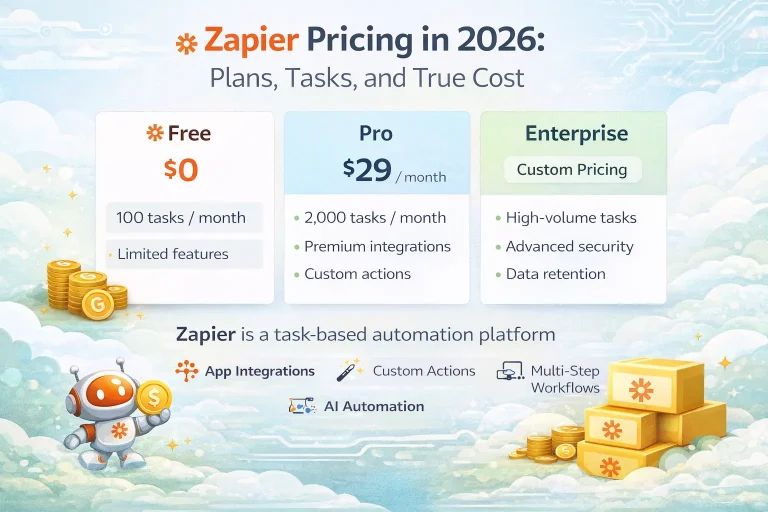
Zapier Pricing in 2026: Plans, Tasks, and True Cost
This guide explains Zapier pricing in 2026 and where the true cost comes from once workflows move beyond simple automations. It is written for...
Read Guide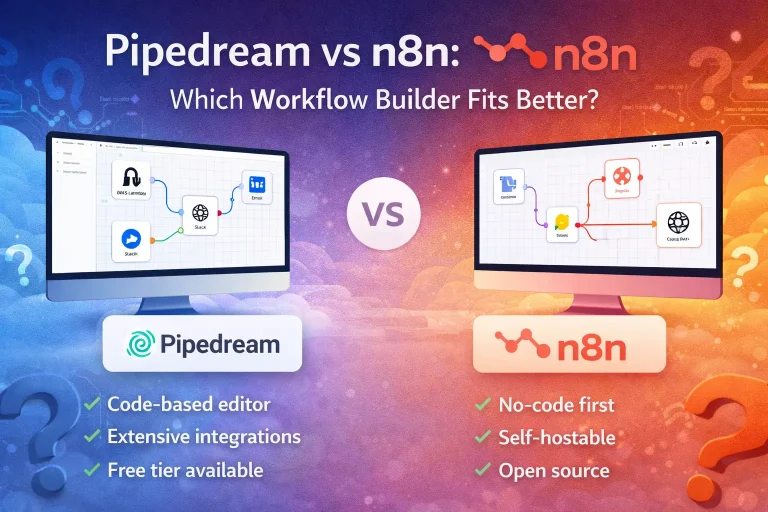
Pipedream vs n8n: Which Workflow Builder Fits Better?
This guide compares Pipedream and n8n for technical workflow teams, with a focus on developer experience, visibility, self-hosting, integrations, and pricing logic. It is...
Read Guide