
Make.com Pricing Explained (2026): Credits, Plans, and Cost
A search-friendly breakdown of Make.com pricing, including credits, plan differences, and what affects real workflow cost.
This guide explains Make.com pricing in 2026, from the free plan to paid tiers and the credit model underneath them. It focuses on what buyers need to know before scenario complexity turns a low headline price into a larger monthly bill.
Related Tools



Details
Make.com pricing is straightforward on the surface and easy to misread underneath. The headline looks simple: a free tier plus paid plans that scale by credits. But the real cost depends on how many module actions your scenarios execute, how often they run, and whether you need advanced features like priority execution, team roles, or enterprise controls.
For most buyers, Make is good value when the workflows are mostly no-code, app-to-app, and relatively predictable. It becomes harder to forecast when scenarios fan out, iterate through records, or rely on code-heavy logic. In other words, the platform feels simple until your automation architecture stops being simple.
What Make.com pricing looks like in 2026
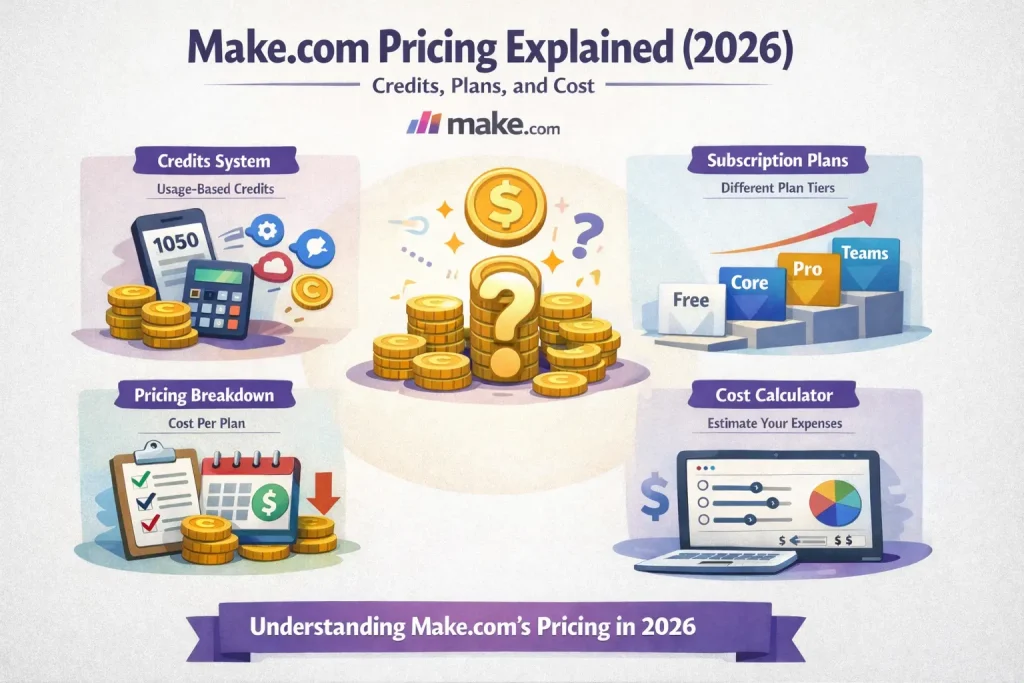
Make’s current pricing page shows a Free plan with up to 1,000 credits per month, then paid plans starting with Core at $9 per month for 10,000 credits, Pro at $16 per month for 10,000 credits, Teams at $29 per month for 10,000 credits, and custom Enterprise pricing. Make defines a credit as a module action in a scenario, such as adding a row to Google Sheets or fetching Gmail data.
That makes Make easy to compare at a glance. The catch is that one business process can consume many credits if it uses routers, iterators, searches, updates, and repeated loops across records.
Who this guide is for
This guide is for readers comparing Make against Zapier, n8n, Relay, or custom automation stacks. It is especially useful for teams that like visual no-code builders and want to know whether Make stays economical once real production scenarios go live.
How Make pricing works
| Pricing factor | How it works | Why it matters |
|---|---|---|
| Credits | Most module actions count as one credit. | Complex scenarios can consume more credits than expected. |
| Plan tier | Core, Pro, Teams, and Enterprise unlock progressively more control and collaboration. | Feature needs can move you up-tier even before usage does. |
| Scenario design | Routers, searches, loops, and repeated updates multiply usage. | The workflow shape matters as much as the business outcome. |
| Execution frequency | Scheduled or event-driven runs compound monthly usage fast. | High-frequency scenarios can outgrow a plan quietly. |
Plan-by-plan breakdown
Free
The Free plan is good for learning Make and testing a few simple scenarios. It includes the visual builder, routers, filters, and a limited monthly credit budget. It is useful for proof of concept work, but serious production use will run into either credit or scenario limits quickly.
Core
Core is the best starting point for solo operators and small teams that want a budget-friendly automation builder. Unlimited active scenarios and better scheduling control make it a meaningful step up from Free. If your workflows are mostly app-to-app handoffs, Core can be good value.
Pro
Pro is the better fit when you need higher-performance execution, better logging, and more advanced workflow management. This is often the right tier once automation becomes operationally important rather than experimental.
Teams
Teams is the practical choice when multiple people need to collaborate, share templates, and manage roles. Many buyers underestimate how soon this matters. Once automations are tied to real business processes, shared ownership usually matters more than saving a few dollars on the plan.
Enterprise
Enterprise is for organizations that need security, overage protection, custom functions support, enterprise integrations, and formal support. It is about governance and scale, not just higher usage.
What actually drives cost
The biggest cost driver is not the number of scenarios. It is how many operations each scenario performs. A simple lead capture flow might use only a few credits. A content pipeline that pulls records, routes by condition, enriches data, writes to multiple destinations, and notifies a team can use many more.
Loops and searches are where many teams miscalculate. If a scenario searches for 100 records and updates each one, that is not one automation run in budget terms. It is a lot of individual module actions. That is why Make can feel inexpensive for straightforward automation and expensive for record-heavy workflows.
When Make.com pricing is good value
- You want a polished visual builder for common business app automations.
- Your workflows are fairly predictable and not too iteration-heavy.
- You want faster setup than a developer-oriented platform usually provides.
- You do not need self-hosting or deep infrastructure control.
When Make.com pricing is less attractive
- You process large batches of records or fan out steps aggressively.
- You need very deep customization or extensive code-based logic.
- You want pricing based on full workflow runs rather than module actions.
- You expect advanced team governance but want to stay on a low-cost plan.
Common buying mistakes
The first mistake is counting workflows instead of counting operations. The second is testing only small sample sizes. Many Make scenarios look cheap until they run against real CRM volumes, support queues, or spreadsheet batches. The third is assuming a template tells you the final cost. Templates reduce setup time, but they do not change how many operations the final scenario consumes.
Which plan fits which user
If you are new to automation or building a few reliable internal workflows, start with Core. If the workflows are business-critical and you need better control and performance, move to Pro. If multiple people need to maintain or templatize scenarios, Teams is the more realistic option. Enterprise is only worth the effort when governance, procurement, and security requirements are already in play.
FAQ
What is a credit in Make?
Make describes credits as module actions inside a scenario. One automation can therefore use many credits depending on how it is built.
Is Make cheaper than Zapier?
It often is for visual, moderately complex workflows, but it depends on how many operations your scenarios perform and whether your use case fans out across many records.
When does Make stop being cheap?
Usually when scenarios iterate over many items, perform repeated searches and updates, or run at high frequency across several apps.
Bottom line
Make.com pricing is attractive when your workflows are visual, no-code, and operationally straightforward. It becomes less predictable as scenario complexity and record volume grow. If you are evaluating Make seriously, estimate monthly operations for your top workflows before you choose a plan. The platform is easy to start with. The real cost shows up in execution design.
Official sources to verify before publishing: make.com/en/pricing.
Related Guides
Workato Pricing in 2026: What It Really Costs
This guide explains how Workato pricing works in 2026 and what enterprise buyers are actually paying for beyond the surface-level contract. It is designed...
Read Guide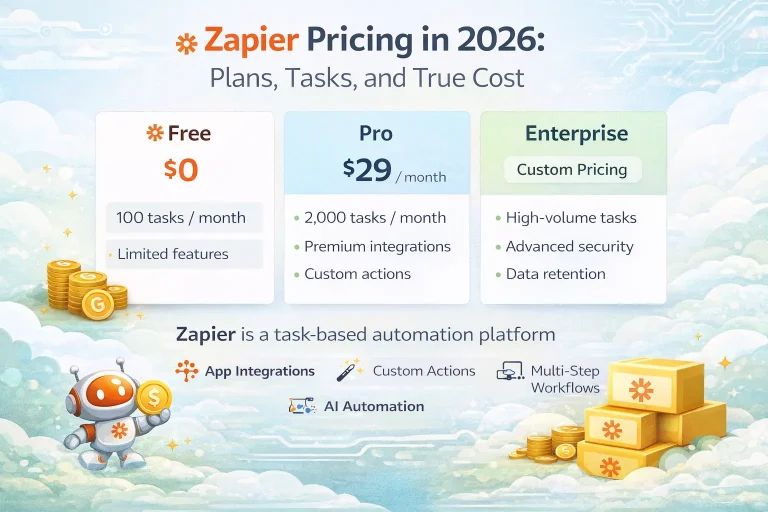
Zapier Pricing in 2026: Plans, Tasks, and True Cost
This guide explains Zapier pricing in 2026 and where the true cost comes from once workflows move beyond simple automations. It is written for...
Read Guide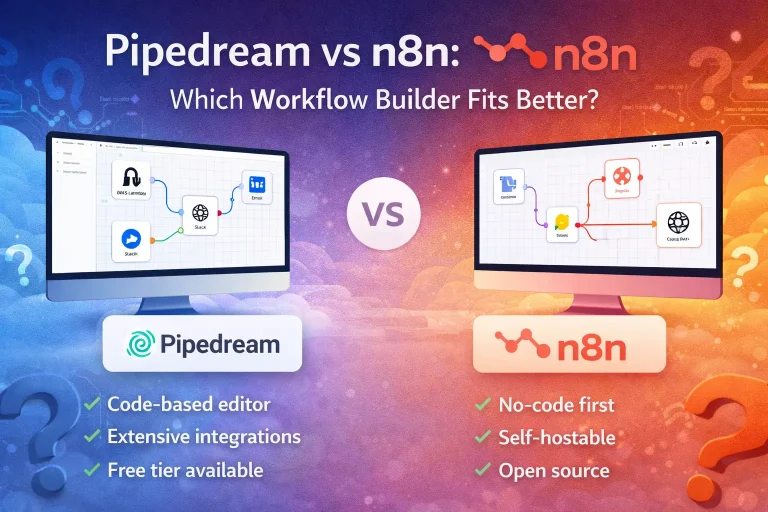
Pipedream vs n8n: Which Workflow Builder Fits Better?
This guide compares Pipedream and n8n for technical workflow teams, with a focus on developer experience, visibility, self-hosting, integrations, and pricing logic. It is...
Read Guide