
Lindy AI Pricing Explained (2026): Plans, Credits, and Cost
A clearer SEO-oriented breakdown of Lindy AI pricing, including individual plans, credits, and team buying considerations.
This guide explains Lindy AI pricing in 2026, including the difference between plan cost and usage-driven agent activity. It is written for readers comparing Lindy with workflow builders as well as assistant-style AI products.
Related Tools



Details
Lindy AI pricing is easier to understand than many workflow tools, but you still need to separate personal assistant use from workflow automation use. If you want an AI executive assistant for email, meetings, and scheduling, Lindy’s individual plans are the main story. If you want team-wide agents, governance, and shared controls, the Enterprise tier becomes the real buying conversation.
The practical summary is this: Lindy is priced like an AI assistant product first and an automation platform second. That is why it can feel more approachable than technical workflow builders, but it also means you should look carefully at credits, approvals, and team controls before assuming it is the right fit for broader ops automation.
What Lindy AI pricing looks like in 2026
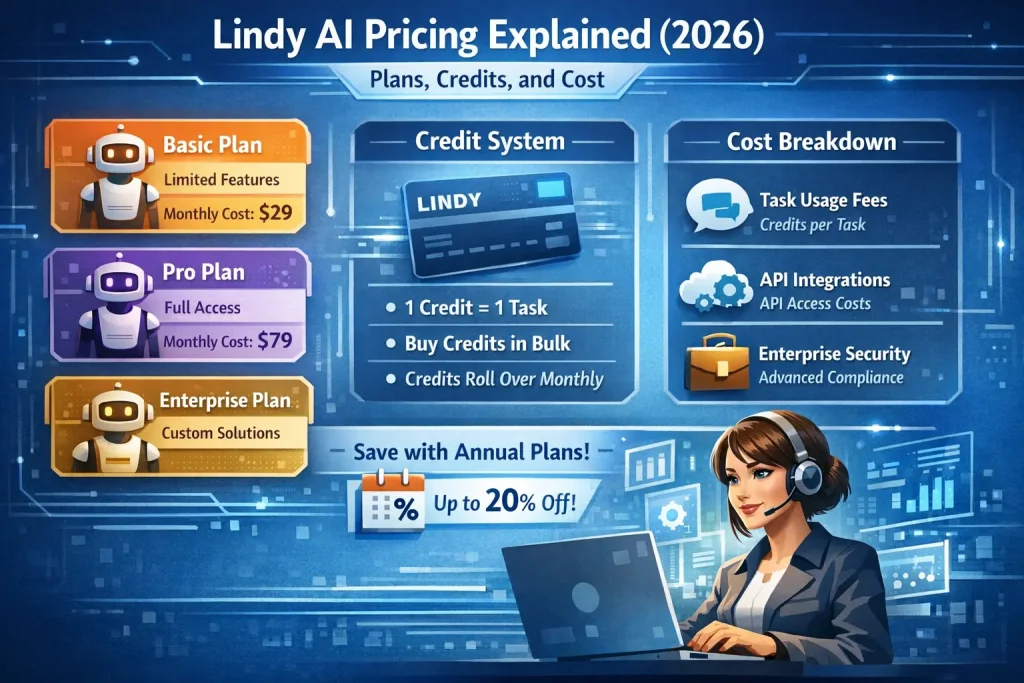
Lindy’s public pricing page currently shows a Plus plan at $49.99 per month, a Pro plan at $59.99 per month, and custom Enterprise pricing. The site also offers a 7-day free trial. Lindy’s documentation explains that credits are consumed when custom agents run tasks, with most tasks costing roughly 1 to 3 credits on basic models and around 10 credits on larger models.
That means the sticker price is only part of the decision. If your use case is mostly personal email triage, calendar management, and meeting follow-up, the plan price is the main consideration. If you expect custom agents to handle many tasks across a team, usage behavior matters more.
Who this pricing guide is for
This guide is for buyers deciding whether Lindy is the right product for executive assistance, sales support, meeting automation, inbox management, and lightweight agent workflows. It is not the best lens for someone who mainly needs backend automation, heavy API orchestration, or deep visual workflow customization.
How Lindy pricing works
| Pricing factor | What it means | Why it matters |
|---|---|---|
| Subscription tier | Plus and Pro target individual users; Enterprise adds team controls and support. | Most solo users will choose between Plus and Pro, not jump straight to Enterprise. |
| Credits | Custom agents consume credits per task. | AI-heavy automations can outgrow the flat monthly feeling. |
| Approvals | Lindy emphasizes user control and review before messages are sent. | Good for trust and safety, but it reduces the appeal for fully autonomous use cases. |
| Team controls | Enterprise includes SSO, SCIM, audit logs, and onboarding. | Important for companies rolling AI assistants out broadly. |
Plan-by-plan breakdown
Plus
Plus is positioned as the main personal AI work assistant plan. It focuses on inbox management, reply drafting in your voice, meeting scheduling, meeting notes, and phone-based access to your assistant. For founders, consultants, recruiters, or sales reps who mostly want help with communication and calendar work, Plus is the cleanest entry point.
Choose Plus if your goal is individual productivity, not broad workflow automation. It is less compelling if you expect to build many custom automations or team-wide agent systems.
Pro
Pro is the better fit once you move beyond a personal assistant and start expecting more structured task execution. Lindy describes Pro with features such as email triage and drafting, meeting notes, meeting scheduling, and ad-hoc tasks. In practical terms, Pro is where Lindy starts to feel more like an agent platform and less like an AI inbox helper.
If you expect to rely on custom agents regularly, Pro is usually the safer default than trying to stretch Plus.
Enterprise
Enterprise is for organizations that want to deploy AI assistants across a team with control and oversight. Lindy highlights team access controls, enterprise features, dedicated support, and security features such as SSO, SCIM, and audit logs. This is a different buying motion from the self-serve plans. It is about rollout, governance, and enablement rather than just personal productivity.
What actually drives cost
The main hidden variable is not seat count. It is agent activity. Lindy’s docs say custom agents consume credits whenever a task runs, and that cost varies by model intelligence, task complexity, premium actions, and agent duration. That means a simple scheduling assistant and a more capable multi-step agent should not be budgeted the same way.
Another practical cost driver is whether approvals remain in the loop. Lindy explicitly says you stay in control of what gets sent. That is reassuring for outbound communication, but it also means some workflows are still semi-automated. If your goal is a fully autonomous back-office system, Lindy may not be the cheapest or cleanest fit compared with a more workflow-centric platform.
When Lindy AI pricing is good value
- You want a polished AI assistant for email, meetings, scheduling, and follow-up.
- You prefer an assistant-style product over a technical automation builder.
- You care about approvals and human review before external actions are taken.
- You want fast time to value for one person or a small go-to-market team.
When Lindy AI pricing is less attractive
- You need deep workflow branching, heavy API orchestration, or infrastructure control.
- You are comparing it directly to n8n, Make, or Pipedream for backend automation.
- You expect many custom agents to run at scale and want simple, highly predictable usage costs.
- You want a platform where business logic lives primarily in a workflow canvas rather than in assistant behaviors.
Common buying mistakes
The first mistake is treating Lindy as if it were just another automation platform. It is closer to an AI work assistant with automation capabilities. The second is focusing only on the monthly plan price and ignoring credit-driven custom task usage. The third is assuming Enterprise is only about larger usage. In practice, Enterprise matters when identity, onboarding, visibility, and policy control matter.
When a template helps
Templates can speed up common use cases such as lead follow-up, meeting prep, inbox routing, and task delegation. They do not remove the need to tune prompts, define approval rules, and verify what the agent does with real messages and calendar events. Lindy is easiest to adopt when the workflow is close to a familiar assistant job, not when it requires unusual business logic.
FAQ
Does Lindy AI include a free plan?
Lindy’s pricing page emphasizes a 7-day free trial rather than a broad perpetual free tier. Check the live pricing page before publishing if that changes.
What is the difference between Plus and Pro?
Plus is more clearly positioned as a personal AI work assistant. Pro is the better fit once you want more serious task execution and automation behavior.
Is Lindy good for team automation?
It can be, especially for communication-heavy workflows, but teams that need deeper operational automation may still prefer a dedicated workflow platform.
Bottom line
Lindy AI pricing is strongest for individuals and teams that want AI assistance around email, meetings, and day-to-day work coordination. It is less compelling as a pure backend automation purchase. If your goal is “an AI assistant that helps me work,” Lindy’s pricing can be straightforward. If your goal is “a flexible automation engine,” the real comparison set may be elsewhere.
Official sources to verify before publishing: lindy.ai/pricing, docs.lindy.ai/account-billing/credits.
Related Guides
Workato Pricing in 2026: What It Really Costs
This guide explains how Workato pricing works in 2026 and what enterprise buyers are actually paying for beyond the surface-level contract. It is designed...
Read Guide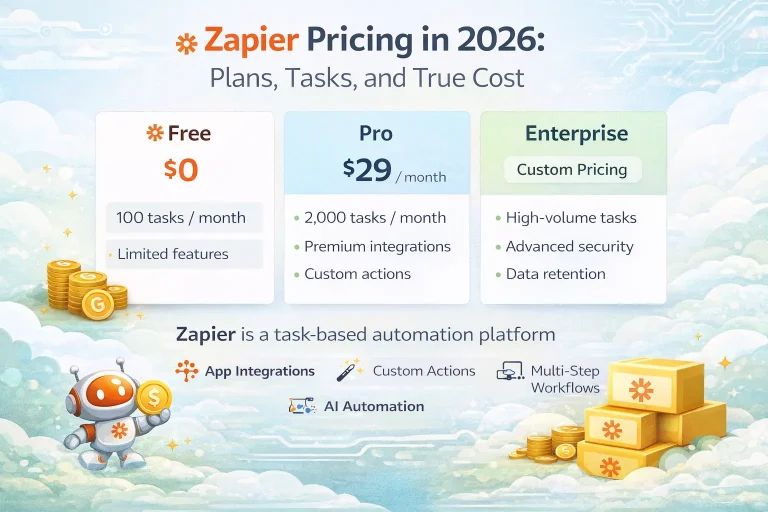
Zapier Pricing in 2026: Plans, Tasks, and True Cost
This guide explains Zapier pricing in 2026 and where the true cost comes from once workflows move beyond simple automations. It is written for...
Read Guide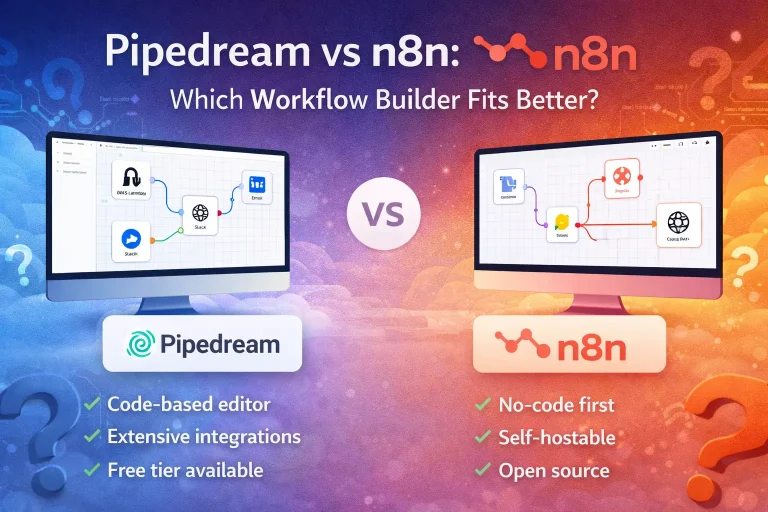
Pipedream vs n8n: Which Workflow Builder Fits Better?
This guide compares Pipedream and n8n for technical workflow teams, with a focus on developer experience, visibility, self-hosting, integrations, and pricing logic. It is...
Read Guide