
How to Use MCP for Internal Knowledge Search
A practical guide to using MCP to search internal knowledge sources with live retrieval, tighter grounding, and safer access control.
This guide explains how to use MCP for internal knowledge search across documents, work data, and operational documentation. It focuses on retrieval design, permission boundaries, and the practical steps that make internal answers reliable.
Related Tools


Details
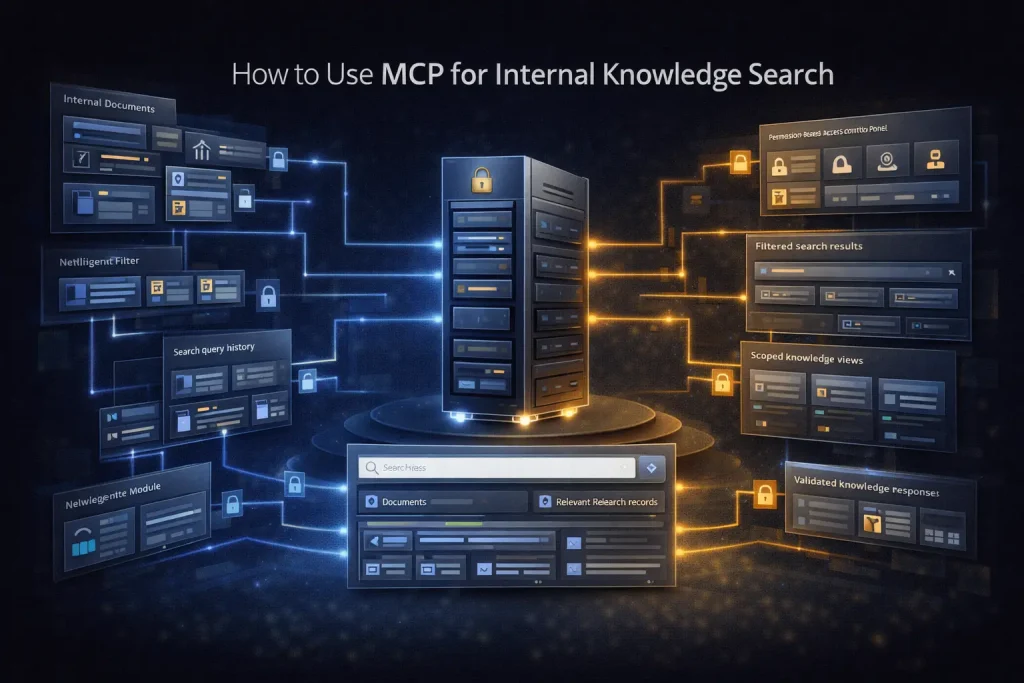
Using MCP for internal knowledge search means exposing documents, wikis, emails, chats, or line-of-business content as searchable resources and tools that an AI system can query in real time. The main advantage is not just better answers. It is tighter grounding. The model can retrieve current internal information instead of relying on stale training data or a manually pasted context block.
This is most useful when information changes often or lives across multiple systems, such as Notion, SharePoint, Google Drive, ticket history, internal policies, and team documentation.
What you will build
You will build a workflow where an AI client or agent can search internal knowledge through MCP, retrieve relevant context, and return an answer, summary, or recommended next action without indexing every system into one custom app first.
When to use this workflow
Use this pattern when teams need current internal answers: support playbooks, policy lookup, onboarding questions, account history, project notes, internal research, or operational documentation.
What you need before you start
- A knowledge source that can be exposed through MCP directly or via a workflow platform
- Permission boundaries that match the requesting user or team
- Search-friendly content structure such as titles, metadata, or folders
- A clear answer format such as summary, citation list, or suggested next step
Step-by-step setup
Step 1: Pick the knowledge boundary
Start with one source or one business question. Examples include policy documents in Notion, internal files in Microsoft 365, or team docs in Google Drive. Avoid starting with every source at once.
Step 2: Expose search and retrieval tools
Your first MCP tools should usually be read-only: search documents, fetch document content, list recent files, or retrieve thread context. Keep writes out of scope initially.
Step 3: Preserve user-level access where possible
Internal knowledge search becomes risky when an agent can see more than the person asking. Use identity-aware access when the platform supports it. Microsoft Copilot knowledge sources, for example, can respect user access for surfaced content.
Step 4: Ask the model to answer from retrieved context
Use retrieval results as the primary context for the response. A good prompt asks the model to answer from the returned material, call out uncertainty, and avoid inventing missing details.
Step 5: Decide on the output type
Different internal search workflows need different outputs. A help-desk assistant may return a short answer and the linked source. A manager workflow may need a summary of recent docs and action items. A research workflow may need a structured extract.
Step 6: Log searches and retrieval quality
Record which tools were used, which documents were retrieved, and whether the user accepted the answer. This helps tune search scope and identify missing or stale content.
How to test the workflow
- Ask a known question where the answer exists in one document and confirm the correct file is retrieved.
- Ask an ambiguous question and confirm the workflow either asks for clarification or cites the narrowest relevant sources.
- Test with a user who should not have access to a restricted source and verify the system does not expose it.
Common problems and fixes
The model answers confidently but uses weak evidence
Reduce the number of retrieved items and ask for source-aware answers. Too much loosely relevant context often lowers answer quality.
Search works, but permissions do not
Fix the access model first. Internal knowledge search is only trustworthy if the visible answer matches the requester’s access rights.
The system retrieves everything except the useful document
Improve metadata, titles, and content structure. Search quality often fails because the documents themselves are poorly organized.
When to use a template instead of building from scratch
A template helps when the pattern is standard: user question in, document retrieval, answer out, and optionally a follow-up action. It does not remove the need to map permissions, pick knowledge sources, or define what a good answer looks like for your organization.
Final notes
MCP is useful for internal knowledge search because it keeps retrieval connected to live systems instead of baking everything into one brittle prompt or one custom index. The harder part is not search itself. It is scope control, permission alignment, and choosing which sources should answer which questions.
Related Guides

How to Build a Self-Hosted Research Agent
This guide walks through how to build a self-hosted research agent, including the workflow layers you need, the setup order that works best, and...
Read Guide
How to Use MCP for CRM Automation
This guide explains how to use MCP for CRM automation in a way that is useful but still operationally safe. It focuses on bounded...
Read Guide
How to Use MCP for Internal Ops Automation
This guide shows how to use MCP for internal ops automation without turning internal systems into a broad agent surface. It focuses on narrow...
Read Guide