
How to Choose Between Templates, Agents, and Tool-Calling Flows
A practical comparison of deterministic templates, adaptive agents, and bounded tool-calling patterns for modern automation design.
This guide helps you decide when a template is enough, when an agent is justified, and when a bounded tool-calling flow is the safer middle option. It is especially useful for teams deciding how much autonomy an AI workflow should actually have.

Related Tools



Details
Choose templates when the workflow logic is already well understood, the steps are mostly deterministic, and speed matters more than flexibility. Choose agents when the workflow needs reasoning, judgment calls, or variable paths. Choose tool-calling flows when you want an AI system to stay bounded while still interacting with external systems through a controlled set of tools. That is the short version.
The mistake many teams make is assuming agents are the modern replacement for everything. In practice, a large share of production automation still works best as deterministic flows or templates. Agents are useful when variability is real. Tool-calling flows sit between the two: more flexible than a static template, but safer and narrower than a fully open-ended agent.
What each option is
Templates
Templates are prebuilt workflow patterns. They are usually deterministic and fast to implement because the trigger, main steps, and outputs are already defined.
Agents
Agents are AI systems that decide which steps to take based on the request, available tools, and current context. Make’s guidance is clear on this point: agents are for tasks that require flexible reasoning, variable inputs and outputs, and judgment calls.
Tool-calling flows
Tool-calling flows expose a bounded set of tools to an AI system so it can retrieve data or take actions without having unlimited control. MCP is one of the clearest ways to implement this pattern.
Quick comparison
| Option | Best for | Main strength | Main limitation | Skill level |
|---|---|---|---|---|
| Templates | Known, repeatable workflows | Fastest way to get started | Less flexible when edge cases appear | Beginner |
| Agents | Variable tasks that need reasoning | Can adapt step selection at runtime | Harder to predict and govern | Intermediate |
| Tool-calling flows | Bounded AI actions with live systems | Good balance of flexibility and control | Still requires careful tool design | Intermediate |
When templates are the right answer
Use a template when the workflow should behave the same way most of the time. Lead routing, form-to-CRM sync, content publishing, spreadsheet updates, notifications, and deterministic approval chains are common examples. Templates reduce setup time, especially when the difficult part is wiring fields and triggers, not reasoning.
When agents are the right answer
Use an agent when the task genuinely requires interpretation. Support ticket triage, candidate screening, market research, and content planning are better fits because the inputs vary and the right action is not always the same. Microsoft also distinguishes deterministic agent flows from more adaptive agent behavior, which is a useful mental model: not every automation needs agent-style flexibility.
When tool-calling flows are the right answer
Tool-calling flows are useful when AI needs live data or bounded actions, but you do not want a fully open-ended agent deciding everything. A common example is an assistant that can search a CRM, fetch a Notion page, or create a task, but only through explicit tools with narrow schemas and clear permissions.
Which option is easier
Templates are easiest. Tool-calling flows come next because the workflow can remain narrow and controlled. Agents are the hardest because prompt design, tool selection, memory, and failure modes all need more thought.
Which option is more flexible
Agents are the most flexible. Templates are the least flexible. Tool-calling flows offer a middle path because the AI can choose among tools without having unrestricted autonomy.
Common decision mistakes
- Using an agent for a deterministic process that a template could handle more cheaply
- Using a template for a task that clearly requires judgment and variability
- Giving an agent broad write access when a bounded tool-calling pattern would be safer
- Assuming tool calling removes the need for workflow logic, validation, or approval
How templates fit with the other two
Templates and agents are not mutually exclusive. A common production pattern is to start with a template for the deterministic skeleton, then add an agent or a tool-calling step inside one part of the workflow. That often gives a better result than trying to build the whole system as one free-form agent.
FAQ
Should I start with an agent or a template?
Start with a template unless the task clearly needs runtime reasoning and changing paths.
Are tool-calling flows just a smaller kind of agent?
Sometimes, but the key difference is control. Tool-calling flows are usually designed around a bounded set of safe actions.
Can I migrate from a template to an agent later?
Yes. Many teams start deterministic, then add agent reasoning only where variation appears.
Conclusion
If the workflow is known, start with a template. If the job requires real judgment, use an agent. If the workflow needs AI plus live systems but should stay bounded, use tool-calling flows. That decision framework is usually more useful than asking which option is most advanced.
Related Guides
Workato Pricing in 2026: What It Really Costs
This guide explains how Workato pricing works in 2026 and what enterprise buyers are actually paying for beyond the surface-level contract. It is designed...
Read Guide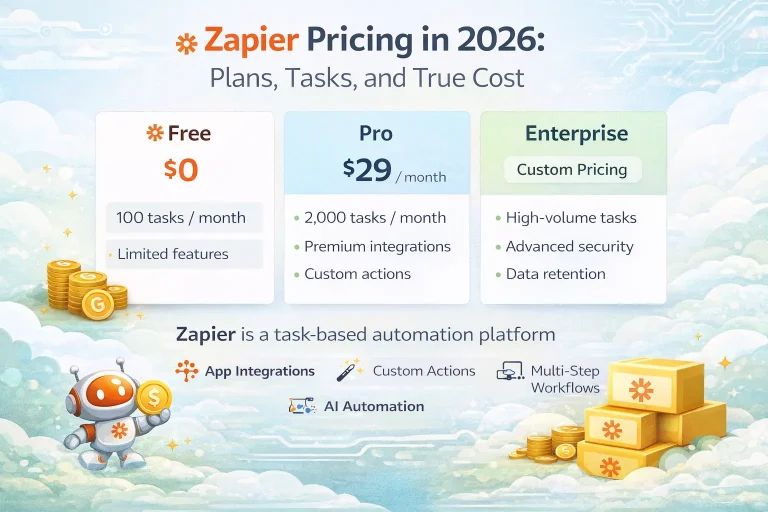
Zapier Pricing in 2026: Plans, Tasks, and True Cost
This guide explains Zapier pricing in 2026 and where the true cost comes from once workflows move beyond simple automations. It is written for...
Read Guide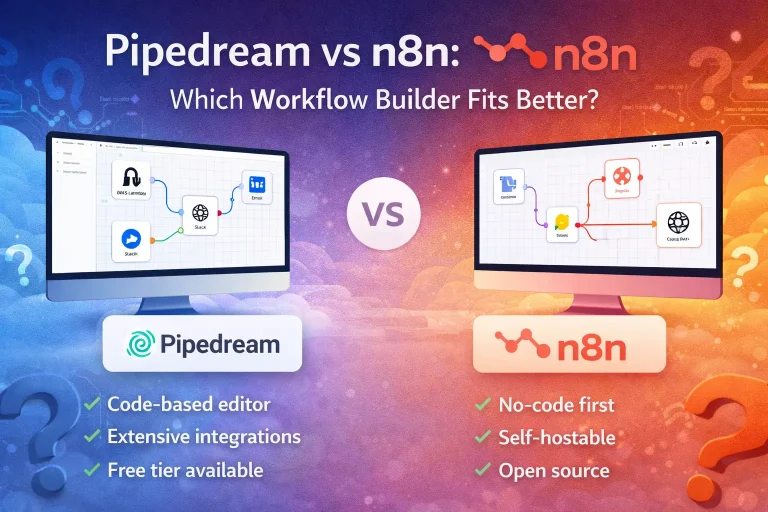
Pipedream vs n8n: Which Workflow Builder Fits Better?
This guide compares Pipedream and n8n for technical workflow teams, with a focus on developer experience, visibility, self-hosting, integrations, and pricing logic. It is...
Read Guide